
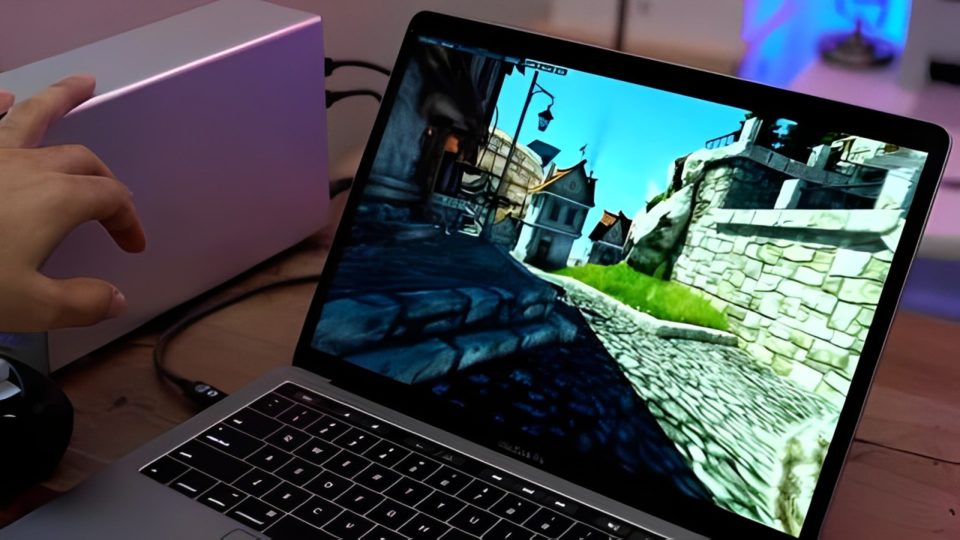
For many gamers, a Windows PC is often seen as the go-to platform for gaming. However, as a long-time Mac user, I found a way to enjoy gaming on my Mac without the need for a Windows machine. Over the years, I have discovered various strategies, tools, and a unique approach to gaming that allowed me to have a fulfilling gaming experience on a Mac. Here’s how I navigated the gaming landscape and made the most of my Mac for years.
Understanding the Limitations
When I first began gaming on my Mac, I quickly realized that not all games are available for macOS. While titles like “The Sims,” “Civilization,” and indie games have macOS versions, many popular AAA games were either unavailable or had delayed releases. Understanding this limitation helped me adjust my expectations and explore alternative gaming options.
I also recognized that Macs typically have less powerful hardware compared to high-end gaming PCs. This limitation pushed me to focus on games that were less demanding, but this did not mean I had to sacrifice quality. Many excellent games are well-optimized for macOS, providing an enjoyable gaming experience without requiring the latest hardware.
Exploring the App Store and Platforms
The Mac App Store is a treasure trove of games, from indie gems to popular titles. I spent hours browsing the store and discovered a variety of games that suited my interests. Additionally, I explored platforms like Steam, Epic Games Store, and GOG, which offered macOS-compatible titles. Steam, in particular, became a staple for my gaming needs, providing access to a wide library of games and regular sales that allowed me to build my collection affordably.
Through these platforms, I also found many indie developers creating unique games that might not have been on my radar. This exploration not only expanded my gaming library but also introduced me to innovative gameplay mechanics and captivating storytelling.
Embracing Cross-Platform Play
One of the significant advantages of gaming on a Mac is the rise of cross-platform play. Many modern games allow players on different systems to compete against one another. This feature enabled me to connect with friends who primarily played on consoles or PCs, ensuring I wasn’t left out of gaming sessions.
Games like “Fortnite,” “Rocket League,” and “Minecraft” became my favorites, as I could enjoy them with friends regardless of their platform. This cross-platform capability turned gaming on my Mac into a social experience rather than a solitary one.
Using Boot Camp and Virtual Machines
For those times when I wanted to play Windows-only games, I turned to Boot Camp. This utility allowed me to install Windows on my Mac alongside macOS, granting me access to the vast library of Windows games. Though this required a bit of setup and partitioning my hard drive, it ultimately expanded my gaming options significantly.
I also explored virtual machines like Parallels Desktop and VMware Fusion. While they provided a less optimal gaming experience than Boot Camp, they allowed me to run Windows applications directly within macOS. This was especially useful for light gaming or when I wanted to play a game quickly without rebooting my machine.
Optimizing Performance
To ensure smooth gaming on my Mac, I took steps to optimize its performance. Keeping the operating system and applications updated was crucial, as developers often release patches that improve performance and compatibility. I also adjusted in-game settings to strike a balance between graphics quality and performance, ensuring a smoother gaming experience.
In addition, I regularly cleaned up my hard drive and removed unnecessary applications to free up system resources. This housekeeping not only enhanced my gaming experience but also improved my Mac’s overall performance.
Finding a Gaming Community
As a Mac gamer, I found it beneficial to connect with others who shared similar interests. Online forums, Reddit communities, and social media groups dedicated to Mac gaming became invaluable resources. These communities provided tips, shared experiences, and recommended games that I might not have discovered otherwise. Engaging with fellow gamers also helped me feel less isolated in a predominantly Windows-centric gaming world.
Conclusion
Gaming on a Mac may come with its challenges, but it is far from impossible. Through exploration, optimization, and community engagement, I managed to enjoy a diverse gaming experience for years. By embracing the unique aspects of Mac gaming and adapting my approach, I turned what many see as limitations into opportunities. Today, I continue to find joy in gaming on my Mac, proving that you can have a fulfilling gaming experience, regardless of your platform.
