
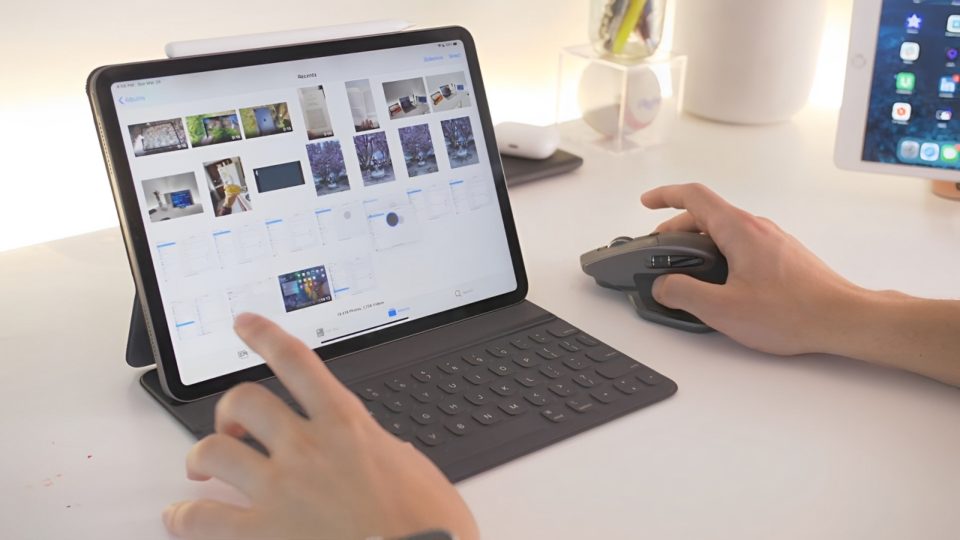
For years, I relied on my laptop’s trackpad for everything—whether it was browsing the internet, working on reports, editing photos, or even indulging in the occasional gaming session. While it served its purpose, I always felt that the trackpad lacked the finesse, precision, and comfort I desired. Tasks that should have been simple sometimes became frustratingly tedious, yet I persisted, thinking, “It’s fine. It’s part of the laptop.”
Then came the day I decided to try something new—a wireless mouse. What initially felt like a minor upgrade quickly transformed my entire laptop experience. Looking back, I wish I’d made the switch much earlier because the difference was nothing short of revolutionary.
The Frustrations of Using a Trackpad
Trackpads are designed to be convenient and portable, seamlessly integrated into laptops for on-the-go use. For quick tasks like checking emails or scrolling through a webpage, they work just fine. But as I discovered over time, they’re far from ideal when it comes to extended use or tasks that demand precision.
Here are the key frustrations I faced:
Lack of Precision:
Selecting small text, clicking on tiny buttons, or executing precise actions like dragging files felt clunky and unreliable. Even with sensitivity adjustments, the trackpad often left me misclicking or wasting time redoing actions.
Physical Discomfort:
Using a trackpad for long periods put strain on my wrist and fingers. The constant awkward positioning led to fatigue and even mild pain during extended work sessions.
Slower Workflow:
Multitasking felt inefficient with the trackpad. Simple tasks like switching between tabs, dragging and dropping files, or resizing windows took longer than they should have. Over time, these small inefficiencies added up, making me dread certain tasks.
For years, I tolerated these issues, thinking they were just part of using a laptop. I didn’t realize how much my productivity and comfort were suffering until I finally switched to a wireless mouse.
Why a Wireless Mouse Was a Game-Changer
The day I connected my new wireless mouse was the day everything changed. It wasn’t just a minor upgrade—it was a complete overhaul of how I interacted with my laptop.
Here’s what made the wireless mouse a game-changer:
Unmatched Precision
The accuracy of a wireless mouse is leaps and bounds ahead of any trackpad. Tasks like selecting text, editing documents, or working on creative projects became effortless. For the first time, I could make fine adjustments without worrying about overshooting or fumbling.
Comfortable Ergonomics
A wireless mouse offers a natural grip that reduces strain on the hand and wrist. Unlike the flat surface of a trackpad, the curved design of the mouse feels comfortable even during long work sessions. The reduction in physical discomfort alone was worth the switch.
Boosted Productivity
With a mouse, my workflow became noticeably faster. Navigating through files, switching between applications, and multitasking felt seamless. Many wireless mice also come with additional buttons for shortcuts, such as back and forward navigation, which saves even more time.
Freedom of Movement
Unlike wired mice, which can feel restrictive, a wireless mouse offers complete flexibility. Without cables getting tangled or limiting my movements, I could work from different angles and positions comfortably.
How It Revolutionized My Workflow
The transformation was immediate and profound. Tasks that once felt like a chore became enjoyable and even satisfying. For instance:
Work: Editing documents, formatting spreadsheets, and creating presentations became significantly faster. The mouse made precise actions intuitive and effortless.
Creative Projects: As someone who occasionally dabbles in photo editing, I noticed how much easier it was to make detailed adjustments. The precision of the wireless mouse brought a new level of control.
Entertainment: Even casual browsing, streaming, and gaming became more immersive and enjoyable. The mouse allowed smoother navigation and quicker actions, making everything feel better overall.
Choosing the Right Wireless Mouse
Selecting the perfect wireless mouse can make all the difference. When I was shopping, I considered these factors:
Ergonomics: I looked for a design that fit comfortably in my hand, especially for extended use.
Battery Life: A long-lasting battery ensures uninterrupted use without frequent recharging.
Portability: A lightweight and compact model made it easy to carry with my laptop.
Customization: Many mice offer programmable buttons, adjustable sensitivity (DPI), and scrolling options to enhance productivity.
Ultimately, I chose a mouse that balanced functionality and portability. It’s a sleek, compact model that fits perfectly in my bag and delivers outstanding performance.
Conclusion
Switching to a wireless mouse has been one of the simplest yet most impactful upgrades I’ve ever made. It’s more than just a peripheral—it’s a tool that enhances comfort, precision, and productivity.
If you’ve been using your laptop’s trackpad and feeling frustrated by its limitations, I can’t recommend a wireless mouse enough. It’s a small investment that yields enormous benefits, whether you’re working, creating, or simply browsing.
Sometimes, it’s the smallest upgrades that make the biggest difference. For me, this tiny device has redefined my laptop experience, and I can confidently say that I’ll never go back to the trackpad again.
