
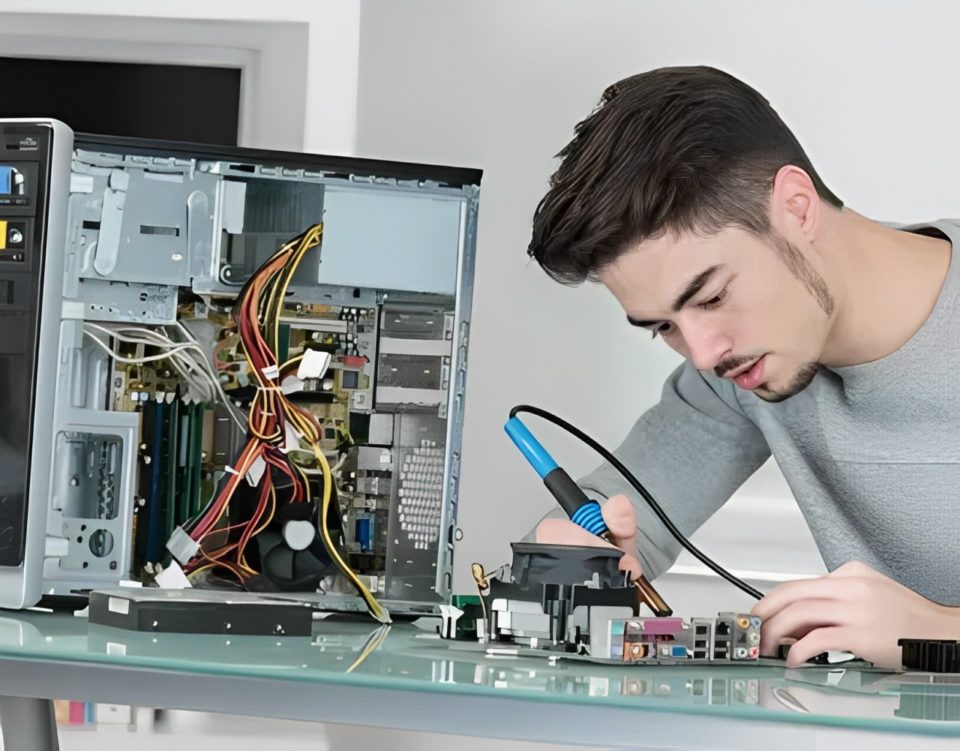
If you’re the designated tech support person in your family, you’ve likely experienced the mix of panic and confusion that accompanies those late-night calls. “The computer isn’t working,” or “I clicked something, and now everything’s gone!” sound familiar? These requests can be daunting, especially when the issue involves cryptic error messages, slow systems, or mysterious pop-ups.
Enter the AI tool that has revolutionized my approach to fixing family computer problems. With its ability to troubleshoot, suggest solutions, and guide users through technical processes, this AI-powered assistant has turned me into a virtual superhero for my family. Here’s how I use it to simplify tech support for loved ones.
Remote Troubleshooting Made Easy
Before using this AI tool, diagnosing a problem often required either a physical visit or a tedious game of “What do you see on the screen?” over the phone. Now, I can guide my family remotely with precision.
The AI tool excels at analyzing descriptions of problems, even when they’re vague or incomplete. For example, if my uncle says, “The computer is slow and weird things are popping up,” I input this information into the tool. It suggests likely causes such as malware, bloatware, or outdated software. The tool even provides step-by-step instructions on how to check for and remove these issues.
Instant Fixes for Common Issues
From printer jams to email login errors, this AI tool has a database of solutions for virtually every problem. When my cousin struggled to connect her laptop to the family printer, I relied on the tool to guide her through the process. It quickly identified possible connectivity issues, such as outdated drivers or Wi-Fi interference, and offered clear steps to resolve them.
The best part? It translates technical jargon into simple, actionable instructions. This makes it easy for non-tech-savvy family members to follow along without feeling overwhelmed.
Automating Routine Maintenance
Family computers often run into trouble because of neglected maintenance. Outdated software, unnecessary files, and uninstalled updates can cause slow performance and security vulnerabilities.
The AI tool helps me automate these maintenance tasks. I use it to schedule system scans, recommend performance optimizations, and set reminders for updates. For instance, when my parents’ laptop was running out of storage space, the AI identified unnecessary files and applications to delete, freeing up space without any risk of removing something important.
Simplifying Security and Safety
Cybersecurity is a significant concern for family members who aren’t tech-savvy. From phishing emails to suspicious downloads, the digital landscape is full of risks.
This AI tool helps educate and protect my family by:
Identifying potentially harmful links or attachments.
Recommending robust antivirus software and privacy settings.
Teaching family members how to recognize scams or suspicious activity.
When my younger sibling accidentally downloaded a fake “free game,” the AI tool helped me remove the malware and secure the computer within minutes.
Providing Real-Time Guidance
One of the most impressive features of this AI tool is its real-time guidance. It can simulate step-by-step walkthroughs, complete with screenshots or video demonstrations, to help users navigate complex tasks.
For example, when my grandmother needed to set up a new email account, the tool guided her through each step, from choosing a secure password to syncing her account on multiple devices. What would have taken hours of frustrating back-and-forth calls was completed in under 15 minutes.
Teaching Family Members Independence
While it’s great to have an AI assistant for tech issues, I also use it as a teaching tool. It empowers my family to solve minor problems on their own.
By showing them how to use the AI tool, they can troubleshoot common issues without always relying on me. This not only saves me time but also gives them confidence in navigating their devices.
Conclusion
Fixing family computer problems no longer feels like a daunting chore, thanks to this AI tool. Its ability to diagnose issues, provide solutions, and offer real-time guidance has transformed how I approach tech support.
Not only does it make my life easier, but it also helps my family feel more secure and capable in using their technology. From resolving slow performance to protecting against cybersecurity threats, this AI tool has become my go-to assistant for keeping my family’s devices running smoothly.
If you’re the family tech guru, consider adding an AI tool to your arsenal. It might just save you time, frustration, and a few late-night troubleshooting calls!
