
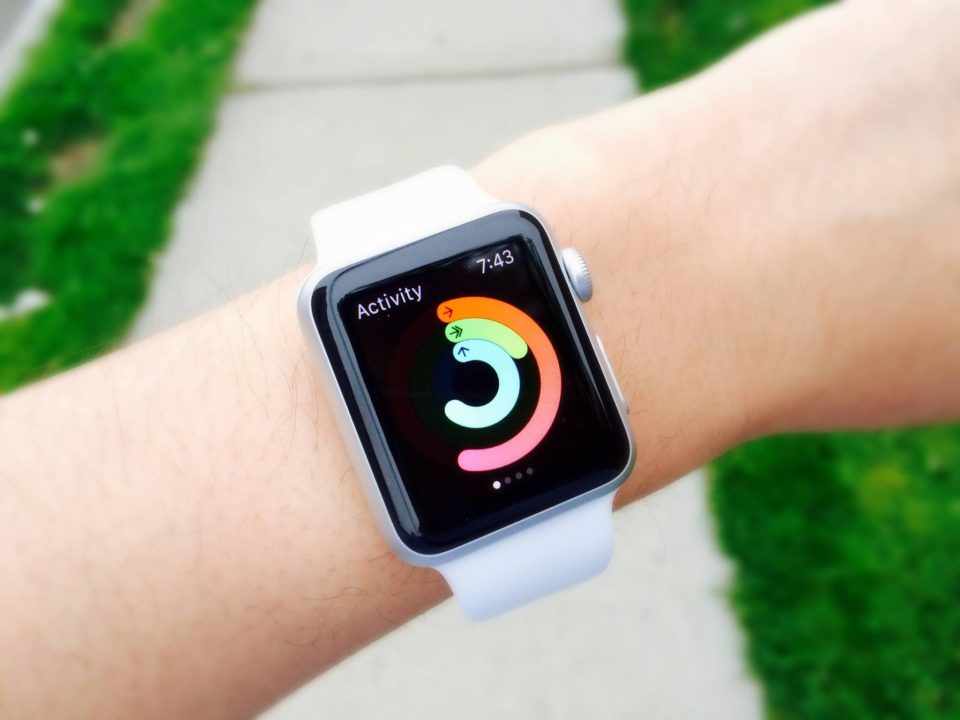
The Apple Watch is a powerful tool that can enhance your daily life, offering everything from health tracking to seamless communication. To make the most of its features, follow these nine tips
Customize Your Watch Face
Personalizing your watch face is one of the best ways to ensure that you have quick access to the information you need. Choose from a variety of watch faces and add complications that display your most-used features, such as the weather, calendar events, or activity rings. You can switch between different faces depending on your activity or mood.
Utilize Health and Fitness Features
The Apple Watch is an excellent companion for fitness enthusiasts. Use it to track your workouts, monitor your heart rate, and set fitness goals. Take advantage of features like the ECG app, blood oxygen monitoring, and fall detection. These tools help you stay informed about your health and encourage a more active lifestyle.
Explore Third-Party Apps
Expand your watch’s functionality by downloading third-party apps. From productivity tools to fitness apps, there are countless options designed specifically for the Apple Watch. Apps like Strava for running, Headspace for meditation, or Citymapper for navigation can enhance your experience and make daily tasks easier.
Set Up Apple Pay
Apple Pay on your watch allows for quick, secure, and convenient payments. Set it up through the Watch app on your iPhone and use it wherever contactless payments are accepted. This feature not only speeds up transactions but also adds a layer of security, as it doesn’t expose your card details.
Use Siri for Convenience
Siri can be a powerful assistant on your wrist.Activate Siri via means of elevating your wrist and saying, “Hey Siri,” or urgent and keeping the Digital Crown. Use Siri to set reminders, send messages, make calls, get directions, or control smart home devices. This hands-free feature enhances convenience and efficiency.
Monitor Your Sleep
Sleep tracking is a valuable feature for improving your sleep habits. Use the Sleep app to set a bedtime routine and track your sleep patterns. The app provides insights into your sleep quality and helps you establish a regular sleep schedule, contributing to better overall health.
Optimize Notifications
To avoid getting overwhelmed by notifications, customize your settings. Use the Watch app on your iPhone to choose which notifications you want to receive on your watch. Prioritize important alerts and mute less critical ones. This helps you stay focused and reduces distractions.
Learn Gestures and Shortcuts
Get familiar with the gestures and shortcuts that make using your Apple Watch more efficient. For example, double-click the side button to switch between apps, use the Digital Crown for scrolling and zooming, and swipe down to access notifications. These small tips can save you time and make navigation smoother.
Keep Your Watch Updated
Regular software updates bring new features, improvements, and security enhancements to your Apple Watch. Make sure to keep your watch up to date by checking for updates in the Watch app on your iPhone. This ensures you’re getting the best performance and access to the latest functionalities.
By following these tips, you can fully leverage the capabilities of your Apple Watch, making it an integral part of your daily routine. Whether you’re focusing on health, productivity, or convenience, these strategies will help you get the most out of this versatile device.
