
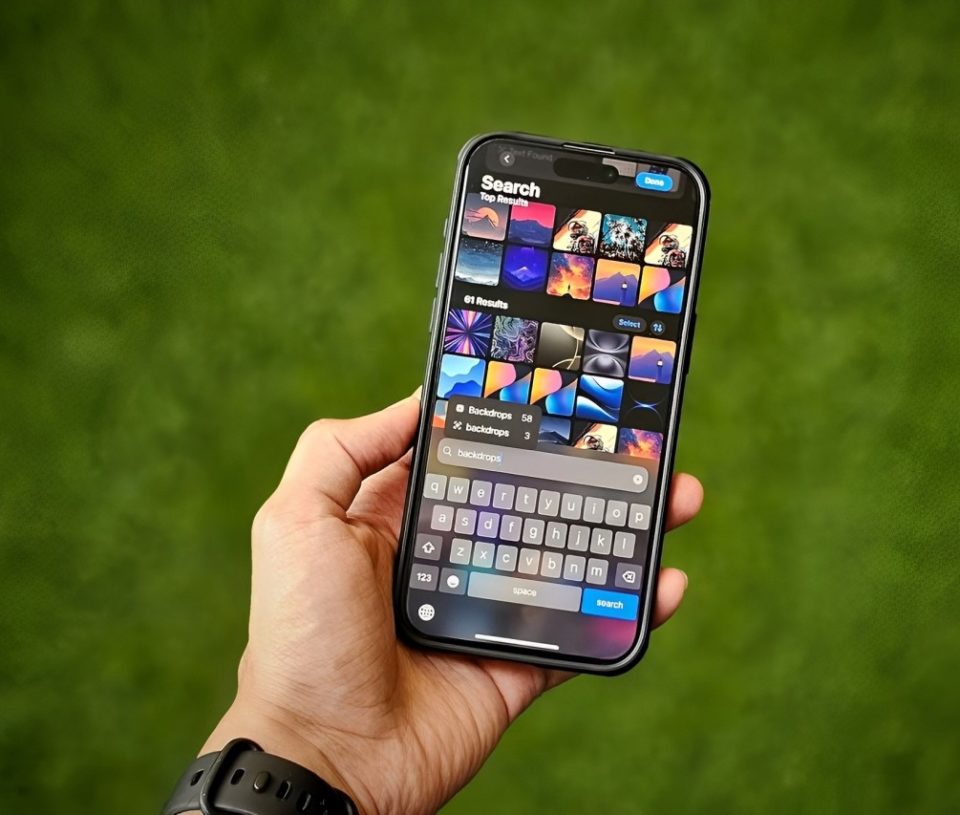
In an era where smartphones have become an extension of our personal lives, privacy is a growing concern. Millions of people rely on iPhones to capture their most cherished moments, from family gatherings to private documents and personal selfies. Apple has long positioned itself as a champion of user privacy, emphasizing features like end-to-end encryption and on-device processing. But is your iPhone’s photo library as private as you think?
The reality may surprise you. While Apple takes significant steps to protect user data, various factors—including cloud storage, third-party apps, and system settings—can expose your photos in ways you might not realize. This article will explore potential privacy risks, how your photos might be accessed without your knowledge, and what you can do to safeguard them.
How Your iPhone Photos Might Be at Risk
Many users assume that their iPhone photos are stored securely, accessible only to them. However, multiple vulnerabilities could compromise that privacy.
iCloud Photo Library: A Double-Edged Sword
Apple’s iCloud Photo Library automatically syncs photos across devices, ensuring your pictures are accessible from your iPhone, iPad, Mac, and even a web browser. While convenient, this feature introduces potential risks:
Cloud Storage Vulnerabilities – If iCloud is hacked or compromised, your photos could be exposed. While Apple’s security measures are strong, no system is completely immune.
Accidental Sharing – Many users unknowingly share their iCloud photos with family members through shared albums or Family Sharing settings.
Law Enforcement and Data Requests – Apple has been known to comply with government data requests, meaning your iCloud photos could be accessed under legal circumstances.
Third-Party Apps: The Silent Privacy Threat
Many popular apps request access to your photo library, often under the guise of offering editing tools or social sharing options. However, some of these apps may:
Collect Metadata – Apps can extract hidden details from your photos, including location, time, and device information.
Upload Photos Without Clear Disclosure – Some apps may automatically upload images to their servers without making it obvious.
Sell Data to Advertisers – If an app has access to your media files, it may monetize this data by sharing insights with advertisers.
Shared Wi-Fi and Airdrop Risks
Airdrop Vulnerabilities – If your Airdrop settings allow “Everyone” to send files, strangers in public places can attempt to send you unwanted photos—or worse, access metadata about your device.
Public Wi-Fi Risks – If your iPhone connects to an unsecured public Wi-Fi network, cybercriminals may attempt to intercept data transmissions, potentially exposing synced or uploaded images.
Device Backups: A Weak Link in Privacy
Many users backup their iPhones to their computers using iTunes or Finder on macOS. However, unless these backups are encrypted:
Hackers or malware on your computer could access unencrypted backup files.
Anyone with access to your computer could browse through your photo library.
How to Protect Your iPhone Photos
Now that we’ve identified the risks, let’s explore the best ways to protect your personal photos from unwanted access.
Adjust iCloud Photo Settings
Disable iCloud Photos if you prefer local storage. Go to Settings > [Your Name] > iCloud > Photos and turn off iCloud Photos.
Use “Optimize iPhone Storage” cautiously—this feature stores full-resolution images in the cloud while keeping smaller versions on your device. If iCloud is compromised, your original files may be at risk.
Limit Third-Party App Access
Review which apps have access to your photos. Go to Settings > Privacy & Security > Photos to manage permissions.
Use “Selected Photos” instead of “Full Access” to restrict what apps can see.
Avoid unnecessary photo-sharing apps—stick to trusted, privacy-focused applications.
Secure Your Device and Backup Files
Encrypt local backups. If you back up your iPhone to a computer, make sure to encrypt it via Finder or iTunes.
Use a strong password and enable Face ID/Touch ID.
Turn off Airdrop when not in use to avoid unwanted file transfers.
Be Cautious with Photo Metadata
Every photo contains metadata that reveals information such as:
The time and date it was taken.
GPS location (if enabled).
Camera model and settings.
To prevent unwanted data exposure:
Disable location tracking for photos under Settings > Privacy & Security > Location Services > Camera > Never.
Use metadata removal tools before sharing images online.
Conclusion
While Apple provides strong security measures, no system is entirely foolproof. Your iPhone photos may not be as private as you think, but with a few adjustments, you can significantly reduce the risks.
By managing iCloud settings, restricting app permissions, securing backups, and being mindful of metadata, you can ensure that your most personal moments remain truly private. Protecting your digital privacy is not about paranoia—it’s about taking control of your data and making informed decisions.
