
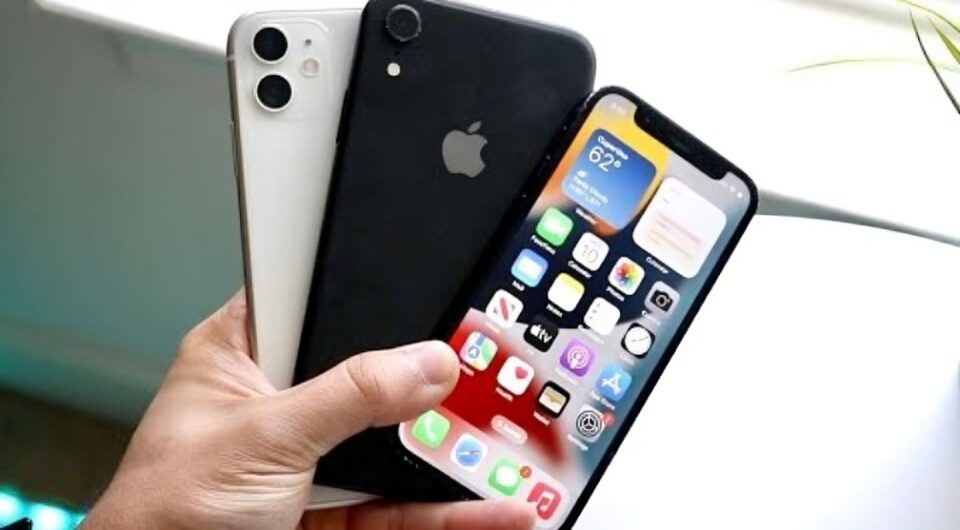
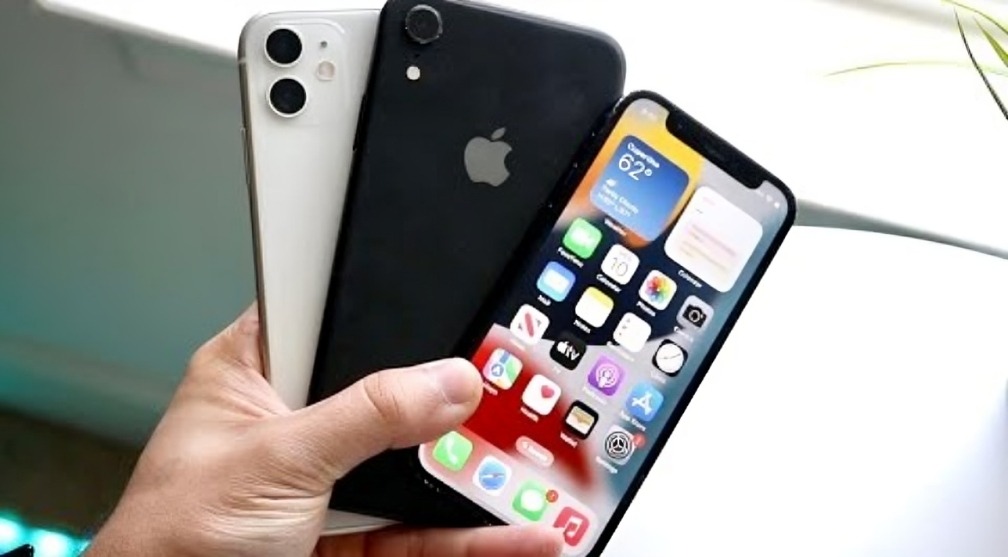
In today’s fast-paced tech world, it’s tempting to sell or trade in your old iPhone every time a new model hits the shelves. But before you rush to list it online, consider this: your old iPhone still holds incredible potential beyond calls and texts. Whether it’s an iPhone 6 or an iPhone X, these devices are powerful mini-computers that can serve a variety of new purposes in your daily life.
Here are 9 practical, fun, and productive ways to reuse your old iPhone instead of letting it gather dust—or letting it go for a fraction of its original price.
Transform It Into a Dedicated Music Player
Your old iPhone can easily become your personal iPod 2.0. Clear out unnecessary apps and use it strictly for music and podcasts. Load it with your favorite playlists and connect it to your Bluetooth speaker, car, or headphones. This setup is perfect for the gym, road trips, or background music in your home without draining the battery of your new phone.
Create a Smart Home Controller
Most smart home devices, like lights, thermostats, and security cameras, can be controlled via an app. Instead of constantly switching between apps on your current phone, dedicate your old iPhone as a smart home hub. Mount it on the wall or leave it in your living room as a central control system for your entire house.
Use It as a Security Camera or Baby Monitor
Many apps, such as Alfred Home Security Camera or Manything, allow you to turn your old iPhone into a live-streaming security camera. Position it at your front door, garage, or baby’s room, and monitor activity remotely through your main device. It’s a simple, cost-effective way to boost home security without buying additional hardware.
Turn It Into a Dedicated GPS or Car Entertainment Device
You can transform your old iPhone into a dedicated car GPS or media player. Load it with maps, navigation apps, audiobooks, and travel playlists. Keep it permanently in your car to avoid draining the battery of your current phone on long drives.
Make It a Kid-Friendly Device
If you have children, your old iPhone can become their personal learning and entertainment device. Load it with educational apps, games, and videos (with strict parental controls), and you won’t have to worry about them damaging your newer, more expensive phone.
Use It as a Digital Photo Frame
Repurpose your old iPhone into a mini digital photo frame. Place it on your desk or nightstand and use a photo slideshow app or simply the Photos app to display your favorite memories throughout the day.
Turn It Into a Portable E-Reader
Install apps like Kindle, Apple Books, or Pocket and turn your old device into a portable e-reader. This is especially handy if you prefer reading on a smaller screen without the distractions of social media, calls, and notifications.
Make It Your Personal Fitness Tracker
Many fitness apps, like Strava, Nike Training Club, and MyFitnessPal, work perfectly on older iPhones. Keep your old iPhone in your gym bag or pocket during workouts, sync it to your fitness devices, and track your progress without draining your main phone’s battery.
Use It as a Backup or Emergency Phone
Lastly, keep your old iPhone as a backup phone in case your primary phone is lost, stolen, or damaged. Store essential contacts, maps, and emergency apps. Even without a SIM card, it can connect to Wi-Fi and serve as a vital communication tool when needed.
Conclusion
Before you sell or recycle your old iPhone, think twice. These compact, powerful devices can be transformed into useful tools that can make your life easier, safer, and even more entertaining. Whether you’re turning it into a smart home remote, security camera, or music player, the options are endless and eco-friendly.
So, instead of parting ways with your old device for a few bucks, unlock its hidden potential and keep enjoying the value it still offers.
