
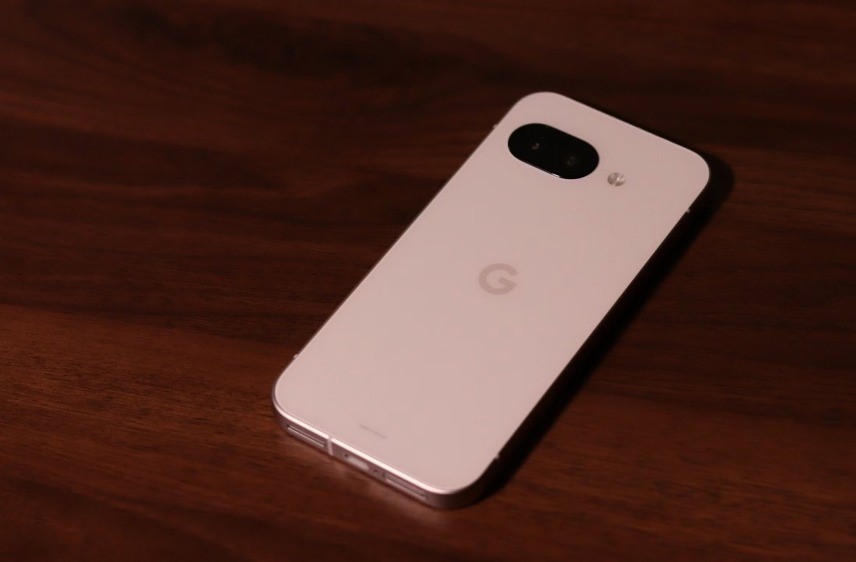
Google Pixel phones are known for their clean software, fast updates, and smart features that often feel a step ahead of the competition. While some of these perks are tightly integrated with Pixel hardware, many of the standout features can actually be brought to other Android phones—if you know where to look.
Here are six Pixel-exclusive features you can port to any Android device, giving your phone a taste of that Pixel polish.
Pixel Launcher (with At a Glance)
What it does: Clean home screen design, smart widget integration, and quick access to Google Assistant and Discover feed.
How to get it:
You can install third-party launchers that mimic Pixel Launcher, like Nova Launcher, Lawnchair, or even Rootless Pixel Launcher (which replicates the look and feel closely).
For the At a Glance widget, use Another Widget or Chronus, which recreate the date, weather, and calendar alerts you’d normally find on a Pixel home screen.
Call Screening & Hold for Me
What it does: Google Assistant answers unknown calls and screens spam or lets you know when a hold line is finally answered.
How to get it:
You can’t get the full “Hold for Me” feature outside of Pixels (yet), but you can simulate Call Screening with apps like Truecaller, Hiya, or Should I Answer? which identify spam calls and give you caller details before you pick up.
If you’re willing to tinker, installing a custom ROM with Google Phone as a system app may unlock limited screening functionality on some phones.
Pixel-Style Google Camera (GCam)
What it does: Delivers Google’s computational photography magic—Night Sight, HDR+, and Portrait mode.
How to get it:
Install a GCam Mod (Google Camera Port) from the community-developed versions available for many Android models. Sites like Celso Azevedo’s GCam hub host reliable ports tailored for specific chipsets.
Make sure you enable Camera2 API and pick the version compatible with your device for the best experience.
Now Playing (Ambient Music Recognition)
What it does: Recognizes songs playing around you and shows the title on the lock screen—even offline.
How to get it:
Try apps like Shazam or Musixmatch with auto-recognition toggled on. While they require internet access (unlike Pixel’s offline model), they do a great job identifying background music.
You can even automate this with tools like Tasker or MacroDroid to trigger song recognition when music is detected.
Live Captions
What it does: Automatically captions any audio or video content on your phone in real time—even when muted.
How to get it:
The feature is rolling out to more non-Pixel Android phones, especially those on Android 12 and above. Check in Settings > Accessibility > Live Caption.
If unavailable, third-party apps like AutoCap, Live Transcribe, or Subtitle Viewer can give you live or near-real-time captioning, especially for videos and podcasts.
Material You Dynamic Theming
What it does: Changes your entire system color palette based on your wallpaper—icons, toggles, sliders, and more.
How to get it:
Android 12 and above support Material You natively on many phones now, but if your device doesn’t, you can mimic the effect with apps like:
- Theme Park (by Samsung Good Lock)
- ColorOS/MIUI theming engines
- Lawnchair Launcher 12 with dynamic theming
- Material You KWGT packs for custom widgets
For a complete overhaul, use MonetThemer (root required) to bring system-wide dynamic theming to unsupported phones.
Conclusion
Pixel phones are great, but you don’t need to switch to get many of their best features. Whether you’re into aesthetic consistency, smart assistants, or advanced photography, there’s a way to bring that experience to your current Android device.
With a few clever apps and some customization, you can have a Pixel-style phone—without actually owning one.
