
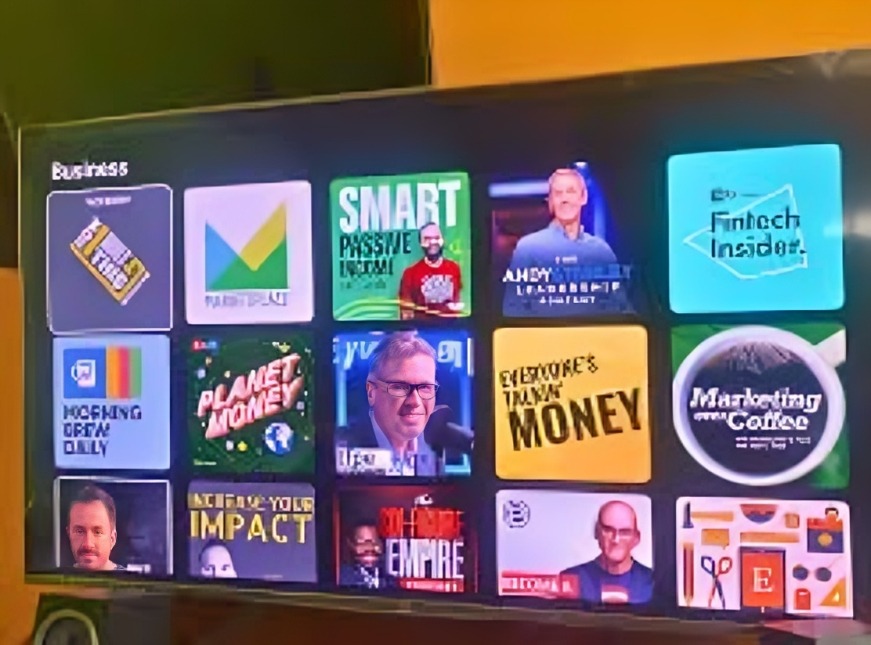
For years, I thought podcasts were meant for quick commutes or gym sessions. But once I realized how much better the experience could be on a big screen with surround sound, I started listening to podcasts on my Smart TV—and honestly, I haven’t looked back. Whether I’m cooking, relaxing, or just letting something play in the background while cleaning, using my Smart TV for podcasts has turned into a daily habit.
Here are 4 ways I listen to podcasts on my Smart TV, and how you can, too:
YouTube App
Believe it or not, many of your favorite podcasts are already on YouTube—some even with full video episodes. Since nearly every Smart TV comes with the YouTube app pre-installed, this method is both easy and free.
How I use it:
- I simply search for the podcast name in the YouTube app.
- I subscribe to channels like TED Talks, The Daily, or my favorite creators.
- I let playlists run while I do other tasks—almost like background radio with visuals.
Bonus: If the podcast includes visuals (like interviews, diagrams, or on-screen reactions), watching on TV makes the experience more immersive.
Spotify TV App
Spotify isn’t just for music anymore. Its growing podcast library includes exclusive content and big names—and their Smart TV app makes streaming a breeze.
How I use it:
- I log into my Spotify account on my Smart TV.
- From the “Podcasts” tab, I can browse, search, and play episodes easily.
- If I’ve already started a podcast on my phone, it syncs, and I can pick up where I left off.
Tip: Spotify’s clean interface and playback options make it perfect for longer podcast sessions, especially if you’re bingeing a series.
Casting from My Phone
Some podcast apps don’t have native Smart TV apps, but they support casting. That means I can play a podcast on my phone and send the audio (or video) straight to the TV via Chromecast or AirPlay.
How I use it:
- I open my favorite podcast app (like Pocket Casts, Apple Podcasts, or Google Podcasts).
- I tap the cast icon and select my Smart TV.
- The audio starts playing through the TV’s speakers.
Why it’s great: I don’t have to install anything new on the TV. Plus, I can control everything from my phone—volume, playback speed, and episode selection.
Using a Voice Assistant or Smart Hub
If you have a Smart TV connected to a voice assistant (like Alexa, Google Assistant, or Samsung’s SmartThings), you can play podcasts with just a voice command.
How I use it:
- I say something like, “Hey Google, play ‘The Daily’ podcast on the living room TV.”
- The assistant searches and starts streaming through compatible apps like Google Podcasts or Spotify.
Ideal for: Lazy Sundays, multitasking, or when your hands are full in the kitchen.
Conclusion
Listening to podcasts on your Smart TV might seem unconventional at first, but it’s a total game-changer. The sound quality is better, the controls are easier (especially with casting or apps like Spotify), and if your podcast includes video, the visual experience is on a whole other level.
So whether you’re into true crime, comedy, interviews, or educational content—don’t limit yourself to your phone. Your Smart TV might just become your new favorite podcast player.
