
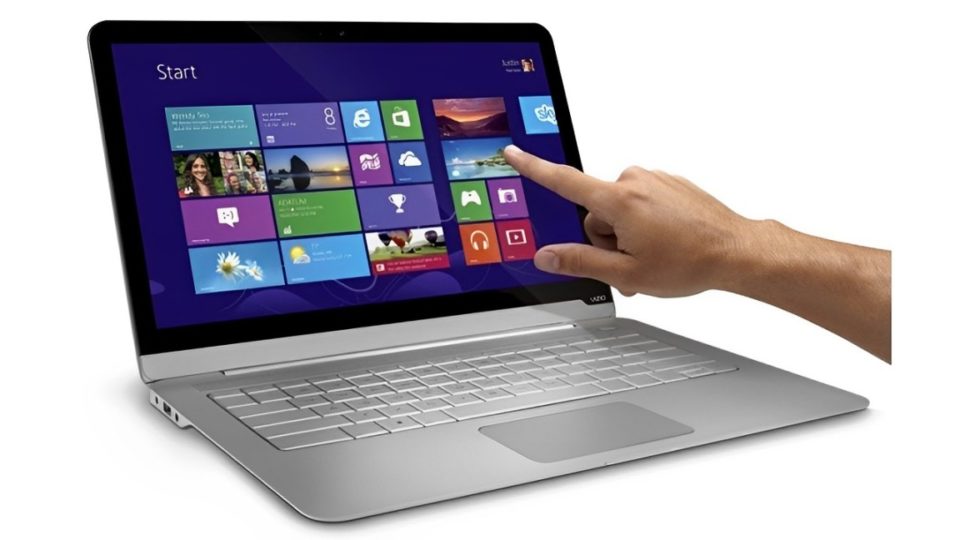
In recent years, touchscreen laptops have gained popularity as a versatile tool for both work and play. Combining the functionality of a traditional laptop with the convenience of a touchscreen, these devices offer unique features that cater to a wide range of users. But are they really as useful as they seem, or are they just a gimmick? In this article, we’ll explore the advantages and disadvantages of touchscreen laptops to help you decide if they’re the right fit for your needs.
The Appeal of Touchscreen Laptops
Enhanced Interactivity and Versatility One of the main draws of touchscreen laptops is the ability to interact with your device directly. This means you can tap, swipe, scroll, and pinch to zoom, just like on a smartphone or tablet. For tasks like browsing the web, reading eBooks, or using apps, the touchscreen can make navigation feel faster and more intuitive.
Additionally, touchscreen laptops often feature 2-in-1 designs that allow them to convert into a tablet mode. This flexibility is perfect for those who need a device for both productivity and entertainment, making it easy to switch between laptop and tablet mode depending on the task.
Productivity and Creativity If you’re someone who works with graphic design, digital art, or presentations, a touch screen laptop can be a game-changer. With stylus support, you can draw, annotate, and write directly on your screen, offering a more natural experience than using a mouse or trackpad.
For professionals in creative industries like design, photography, or video editing, the touchscreen functionality can provide a greater sense of control and precision when editing or sketching. Some apps are specifically designed to take advantage of touch input, further enhancing creativity and productivity.
Convenience for Casual Use For casual users, a touch screen laptop offers a more streamlined experience for everyday tasks. Watching movies, browsing social media, or shopping online can be much more enjoyable with a touchscreen. The ability to interact directly with your content adds a layer of simplicity that can be less cumbersome than using a mouse or keyboard for these types of activities.
Improved Accessibility Touchscreen laptops can also be beneficial for those with accessibility needs. The option to use touch as an alternative to traditional input devices can make a significant difference for individuals with mobility impairments. Additionally, for those who are new to technology, the touch interface can be easier to learn and more intuitive.
Drawbacks to Consider
Battery Drain Touchscreen laptops often consume more battery than traditional laptops without touch screens. The additional hardware and sensors that power the touchscreen require energy, which can impact battery life. For users who rely on long battery life for work or travel, this could be a drawback, especially if you’re using the touchscreen frequently.
Fingerprints and Smudges One of the most noticeable issues with touchscreen laptops is the accumulation of fingerprints and smudges on the screen. This is particularly frustrating for users who want to maintain a clear, pristine display. While screen cleaning wipes can address this issue, it’s something to keep in mind when considering a touchscreen laptop.
Less Precision for Certain Tasks While touchscreens can be great for casual use and certain creative tasks, they don’t always offer the precision of a mouse or trackpad. For tasks that require fine control—such as detailed design work, gaming, or working with spreadsheets—a mouse or trackpad may still be a better option. In these cases, a touchscreen might not significantly improve productivity and could even slow you down.
Premium Touchscreen laptops tend to be more expensive than their non-touch counterparts. If you don’t need the extra features that come with a touchscreen, you may find that paying more for a laptop with a touchscreen isn’t worth it. It’s important to consider whether the added functionality justifies the price difference for your specific use case.
Who Should Consider a Touchscreen Laptop?
Creative Professionals If you work in industries that require hands-on interaction with your work, like graphic design, photography, or video editing, a touch screen laptop could be highly beneficial. Stylus support and the ability to draw directly on your screen can make your creative workflow more efficient and enjoyable.
Students and Casual Users For students or casual users who primarily use their laptop for browsing, note-taking, and streaming content, a touch screen laptop can provide a more enjoyable and engaging experience. The convenience of switching between laptop and tablet mode can also make it easier to read or watch content without the need for a keyboard.
Those with Accessibility Needs If you have difficulty using a traditional mouse or trackpad, a touch screen laptop may provide an alternative that is easier to use. It can offer a more hands-on approach to interacting with your computer, making it accessible and user-friendly for a wider range of people.
Conclusion
Whether or not a touchscreen laptop is useful depends largely on your personal needs and how you use your device. If you’re looking for a more interactive experience, need a device for creative tasks, or simply enjoy the convenience of touch input, a touchscreen laptop could be a worthwhile investment. However, if you don’t feel the need for these features and are concerned about battery life, smudges, or the price premium, a traditional laptop may be a better fit.
Ultimately, the decision comes down to what tasks you perform most frequently and whether a touchscreen will enhance your workflow or simply be a gimmick. The key is to weigh the pros and cons based on your personal requirements before making a purchase.
