
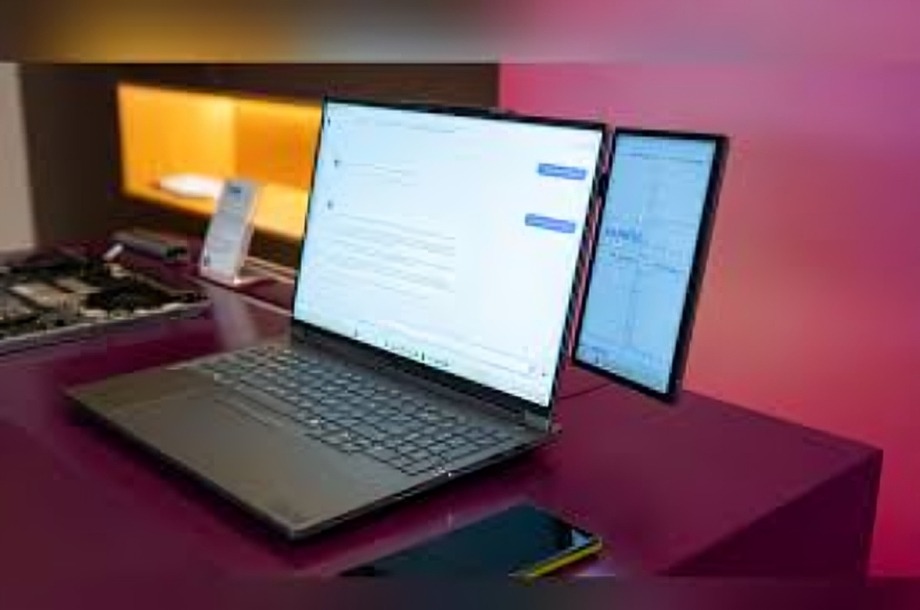
In a world where multitasking is the norm, having more screen space can be a game changer—especially if you’re working from home or managing multiple projects. For months, I struggled with constantly switching tabs, resizing windows, and juggling apps on one screen. That’s when I discovered a free app that completely transformed the way I use my tablet: it turned it into the perfect second screen.
The App That Changed Everything
The app is called Spacedesk, and it’s available for both Windows and Android. In simple terms, it allows your tablet to act as an extension of your main computer screen over Wi-Fi. No fancy cables. No complex setup. Just download the app on your tablet and install the driver on your PC, and you’re good to go.
It only took me five minutes to get it running, and the difference was instant.
Why It’s a Game Changer
More Space, Less Stress
Having a second screen means I can now dedicate one display to communication apps like email, Slack, or Zoom while keeping my main tasks on the primary monitor. It keeps me focused and reduces the mental load of constantly minimizing and reopening apps.
Perfect for Creative Work
Whether you’re a writer, designer, or student, having your reference material open on a separate screen frees up your workspace. I now use my tablet for notes, outlines, and previews while writing on my main screen—no more flipping back and forth.
Great for Meetings and Presentations
During video calls or presentations, I use the second screen to keep notes handy or monitor chat messages without interrupting the main screen. It’s a clean, efficient way to stay prepared without looking distracted.
Portability and Convenience
Since the tablet connects wirelessly, I can move it anywhere within my home—useful if I need to shift to a different room or create a temporary workspace. The flexibility is something I didn’t realize I needed until I had it.
The Best Part? It’s Free
Unlike many second screen apps that come with a monthly subscription or limited trials, Spacedesk is completely free for personal use. And it works surprisingly well, even on older tablets. The lag is minimal, and the resolution is sharp enough for most day-to-day tasks.
Conclusion
Turning your tablet into a second screen might sound like a small upgrade, but it makes a big difference in productivity, organization, and comfort. With just one free app, I transformed my cluttered digital workspace into a smooth, flexible setup—and I didn’t have to spend a dime.
If you have an unused tablet lying around, give it a new purpose. Sometimes, the best productivity tools are already in your hands—you just need the right app to unlock their potential.
