
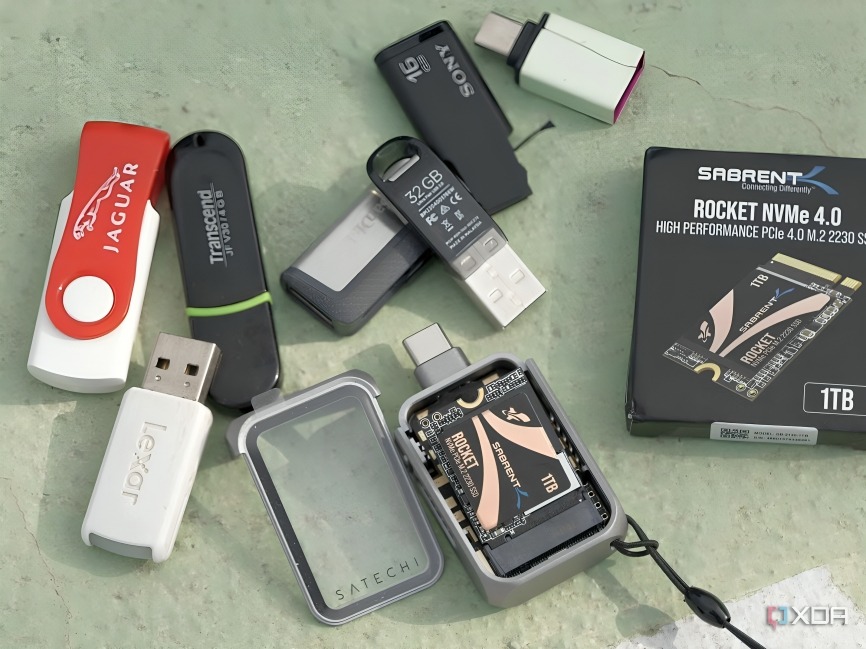
USB drives have always been a convenient way to store and transfer files, but let’s be honest—most of us only use them for the basics. We save a few documents, maybe a video or two, and then they just sit in a drawer waiting for the next time we need to move data. For years, I treated USB drives the same way—until I discovered a free and open-source tool that unlocked a completely new level of usefulness. Suddenly, my dusty old flash drives became powerful, versatile tools instead of just simple storage devices.
Enter Ventoy: A Game-Changer for USB Drives
The tool is called Ventoy, and if you’ve never heard of it, you’re about to be pleasantly surprised. Ventoy is a free, open-source utility that allows you to create a bootable USB drive in minutes. But unlike other tools, you don’t have to format your drive every time you want to add a new operating system or ISO file. You just copy the files directly to the USB drive, and Ventoy takes care of the rest.
That means you can load up your USB drive with multiple operating systems—Windows, Linux distributions, recovery tools, even lightweight OS environments—and boot into whichever one you want. Instead of juggling several USB drives, you can carry just one and use it for everything.
How It Changed the Way I Use USB Drives
Before Ventoy, I used to create one bootable USB at a time. If I needed to install Windows, I had to format the drive and load the installer. If I later needed Linux, I had to wipe the drive again. It was tedious, time-consuming, and made me avoid using my USB drives for anything beyond storage.
Now, I simply drag-and-drop any ISO I need into the Ventoy-enabled USB drive, and it instantly becomes bootable. I currently have Windows 11, Ubuntu, Fedora, and a rescue toolkit all on one flash drive. No reformatting, no hassle. I’ve even used it to troubleshoot family and friends’ computers without juggling multiple drives.
The Power of Open Source
What makes Ventoy even better is that it’s open-source. That means it’s free to use, constantly updated by a community of developers, and transparent about what it does. Unlike proprietary software, you don’t have to worry about shady practices or limitations. It’s reliable, flexible, and lightweight—all the things you want in a tool you’ll use often.
Beyond Operating Systems
Ventoy isn’t just about installing new systems—it’s also a lifesaver when dealing with corrupted computers. Having multiple recovery ISOs ready on a single USB drive means I can quickly troubleshoot and repair systems without digging around for specialized tools. It essentially turned one of my smallest tech gadgets into one of the most powerful in my kit.
Conclusion
It’s rare to find a tool that transforms something as ordinary as a USB drive into a Swiss Army knife of possibilities, but Ventoy did exactly that. What was once a simple storage stick is now my go-to solution for installations, repairs, and experimentation with new operating systems. Best of all, it cost me nothing but a few minutes of setup.
If you’ve got a USB drive lying around and want to make it far more useful, give Ventoy a try. It might just make you wonder how you ever managed without it.
Do you want me to make this article geeky and technical (with setup instructions) or more casual and story-driven (like a personal tech blog)?
