
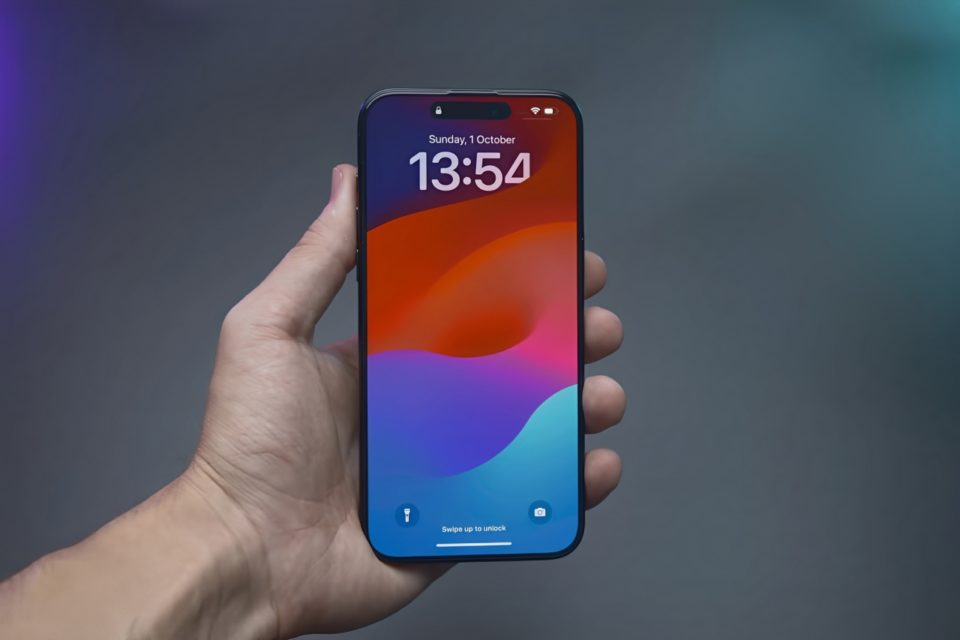
Your iPhone is a powerful device designed to make your life easier, but small mistakes can lead to slower performance, battery drain, and even security risks. Many iPhone users unknowingly develop bad habits that affect their device’s longevity and efficiency. If you want to get the best experience from your iPhone, avoid these nine common mistakes.
Ignoring Software Updates
Apple frequently releases iOS updates to fix bugs, improve security, and introduce new features. However, many users ignore or delay installing these updates, leaving their devices vulnerable to security threats and missing out on performance improvements.
Fix:
Always update your iPhone to the latest iOS version by going to Settings > General > Software Update.
Using Non-Apple Chargers and Cables
Cheap, third-party chargers might save you money, but they can damage your battery, cause overheating, or even pose a fire hazard. Apple-certified MFi (Made for iPhone) chargers are designed to protect your phone from power surges and overheating.
Fix:
Use Apple-certified chargers to ensure safe and efficient charging.
Letting Your Battery Drop to 0% Frequently
Allowing your iPhone’s battery to fully deplete before charging can reduce its lifespan over time. Lithium-ion batteries work best when kept between 20% and 80% charge.
Fix:
Charge your phone before it drops below 20%, and avoid keeping it plugged in at 100% for extended periods.
Closing Apps Too Often
Many people believe that force-closing apps saves battery life, but in reality, it can do more harm than good. iOS is designed to manage background apps efficiently, and closing them manually can cause your phone to use more energy when reopening them.
Fix:
Let iOS manage background apps. Close apps only if they are frozen or malfunctioning.
Ignoring Storage Management
A cluttered iPhone with little free storage can slow down performance. Old apps, duplicate photos, and unused files can take up space and impact speed.
Fix:
Go to Settings > General > iPhone Storage to delete unused apps and large files.
Use iCloud or an external backup to store important photos and videos.
Using Public Wi-Fi Without a VPN
Public Wi-Fi networks can expose your personal data to hackers. If you’re connecting to an unsecured network, your passwords, messages, and sensitive data could be at risk.
Fix:
Use a VPN (Virtual Private Network) when accessing public Wi-Fi.
Avoid entering sensitive information like passwords or banking details when on public networks.
Ignoring App Permissions
Many apps request access to location services, microphone, camera, or contacts, sometimes unnecessarily. Allowing too many permissions can drain your battery and compromise your privacy.
Fix:
Review app permissions by going to Settings > Privacy & Security.
Disable permissions for apps that don’t need them.
Not Restarting Your iPhone Regularly
Your iPhone needs an occasional restart to clear cached memory, fix minor glitches, and improve performance. Keeping your device on for months without a restart can slow it down over time.
Fix:
Restart your iPhone at least once a week by turning it off and back on.
Overloading Widgets and Background Refresh
Widgets and background app refresh can make your home screen look cool, but having too many can drain battery life and slow down performance.
Fix:
Reduce the number of active widgets on your home screen.
Disable background app refresh for apps that don’t need it by going to Settings > General > Background App Refresh.
Conclusion
Your iPhone is designed to deliver a smooth and efficient experience, but these common mistakes can ruin its performance, security, and battery life. By making a few simple adjustments—like using certified chargers, managing storage, avoiding unnecessary app permissions, and keeping your software updated—you can maximize your iPhone’s lifespan and enjoy a better overall experience.
