
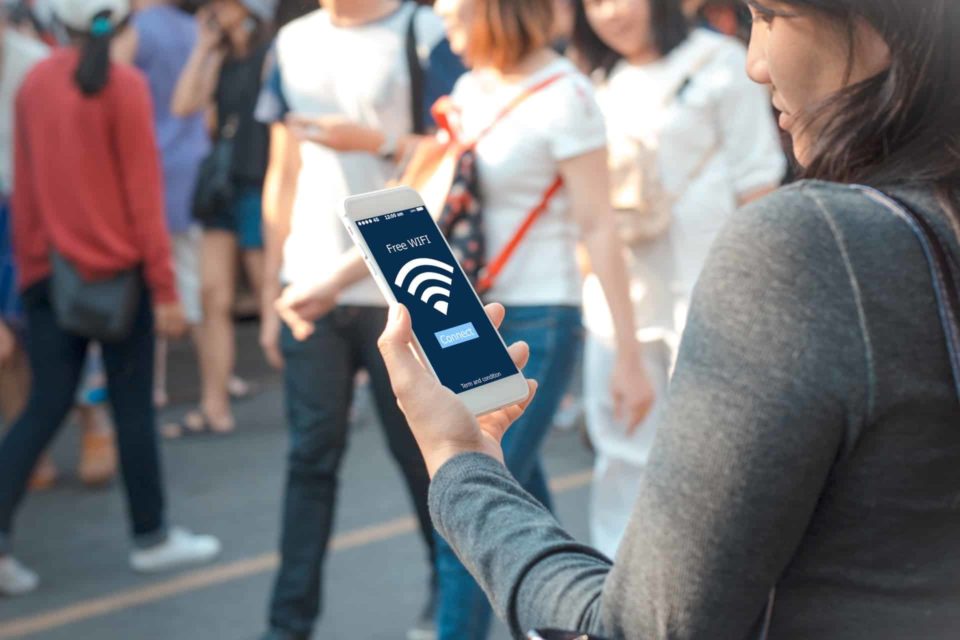
Public Wi-Fi networks are convenient for staying connected on the go, whether you’re at a coffee shop, airport, or hotel. However, they also pose significant security risks. To protect your sensitive information and ensure a safer browsing experience, there’s one essential step you should always take before connecting to public Wi-Fi.
Understanding the Risks
Public Wi-Fi networks are typically open and unsecured, making it easier for hackers to intercept your data. When you connect to these networks, your personal information such as passwords, credit card details, and browsing activities could be vulnerable to cybercriminals. It’s crucial to be cautious and proactive to safeguard your privacy.
The Essential Step: Use a Virtual Private Network (VPN)
The most effective way to secure your connection on public Wi-Fi is by using a Virtual Private Network, commonly known as a VPN. A VPN encrypts your internet data, establishing a secure pathway between your device and the internet.This encryption protects your data from being intercepted by unauthorised parties, even on unsecured networks.
How VPN Works
Encryption:
A VPN secures the data traveling between your device and the VPN server by scrambling it, ensuring that it remains unintelligible to potential interceptors.
Secure Connection:
Once encrypted, your data travels through a secure tunnel to the VPN server. From there, it accesses the internet on your behalf, masking your IP address and location.
Privacy Protection:
By masking your IP address, a VPN enhances your privacy and anonymity online. Websites and services only see the VPN server’s IP address, not your real one, adding an extra layer of security.
Choosing a VPN
When choosing a VPN service, take into account the following factors:
Security Features:
Look for VPNs with strong encryption protocols (such as AES-256), a no-logs policy (which means they don’t keep records of your online activity.
Speed and Performance:
A good VPN should offer fast and reliable connections. Some VPN providers offer servers optimised for streaming or gaming, so choose one that meets your specific needs.
User-Friendly Interface:
Opt for a VPN with an easy-to-use interface across various devices (like smartphones, tablets, and laptops) for seamless protection wherever you go.
Additional Tips for Using Public Wi-Fi Safely
While using a VPN is crucial for protecting your data on public Wi-Fi, here are some additional tips to enhance your security:
Avoid Sensitive Transactions:
Refrain from accessing sensitive information such as banking accounts or making online purchases while connected to public Wi-Fi, even with a VPN.
Turn Off Sharing:
Disable file sharing and AirDrop (on Apple devices) to prevent unauthorized access to your files and photos while connected to public networks.
Use HTTPS:
Ensure websites you visit use HTTPS encryption for added security.
Enable Two-Factor Authentication:
Add an extra layer of security to your accounts by enabling two-factor authentication (2FA) whenever possible.
Conclusion
Using public Wi-Fi can be convenient, but it comes with inherent risks to your privacy and security. By always using a VPN before connecting to public Wi-Fi networks, you significantly reduce these risks and protect your sensitive information from potential cyber threats. Take proactive steps to safeguard your online activities and enjoy a safer browsing experience wherever you are. Remember, a small effort to secure your connection can go a long way in preventing data breaches and maintaining your digital privacy.
