
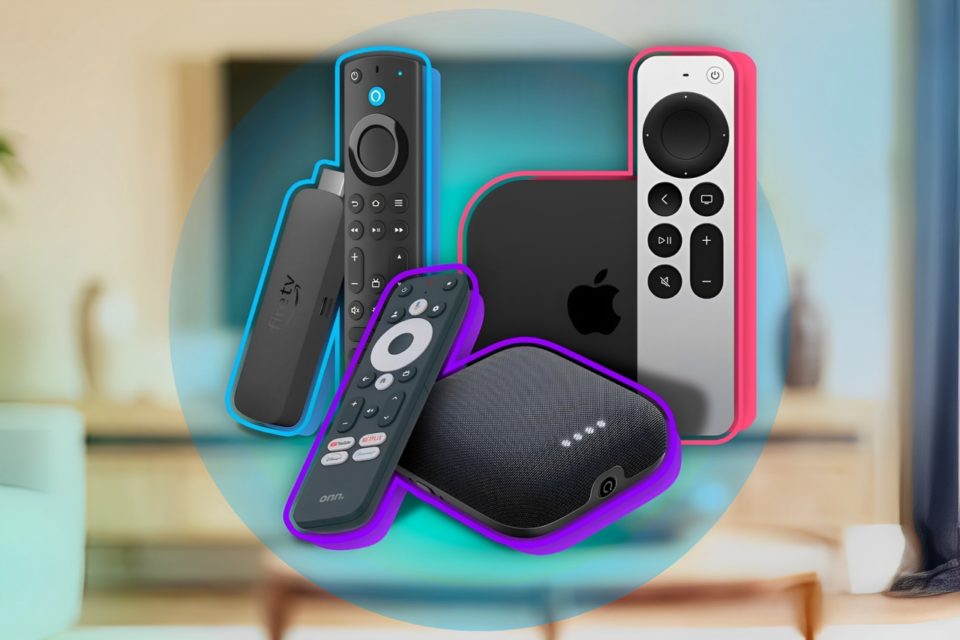
In today’s digital world, controlling your television has become more convenient than ever before. Gone are the days of hunting for your physical remote or dealing with tangled cables. Thanks to technology, your smartphone can now act as a powerful remote control for your TV. Whether you’re using an Android or iPhone, there’s a variety of TV remote apps designed to enhance your viewing experience. In this article, we’ll take a closer look at the best TV remote apps for both platforms, offering you seamless control from the palm of your hand.
Universal TV Remote Control (Android & iOS)
As the name suggests, the Universal TV Remote Control app is designed to work with a wide range of TV brands and models. It uses infrared (IR) blaster technology, so your smartphone must be equipped with an IR sensor. However, for those whose phones lack this feature, the app also supports Wi-Fi-enabled smart TVs. With this app, you can switch channels, adjust the volume, and even turn your TV on or off. Plus, it comes with a user-friendly interface that makes it simple to use for all ages.
Pros:
- Works with most TV brands.
- Simple interface.
- Supports both IR and Wi-Fi connectivity.
Cons:
- Requires IR blaster for some phones.
- May not work with all smart TV features.
Samsung SmartThings (Android & iOS)
If you’re a proud owner of a Samsung Smart TV, the Samsung SmartThings app is a must-have. This app lets you control your TV, adjust volume, switch inputs, and even browse content directly from your phone. It’s a part of the broader SmartThings ecosystem, allowing you to control other smart devices in your home, making it a central hub for all your smart home controls.
Pros:
- Seamless integration with Samsung Smart TVs.
- Control other smart home devices.
- Easy-to-navigate interface.
Cons:
- Limited to Samsung TVs (or compatible devices).
- Requires a Samsung account to access full features.
Roku Remote (Android & iOS)
Roku users can rejoice with the Roku Remote app, which offers complete control over your Roku device. Whether you’re using a Roku stick, Roku TV, or Roku set-top box, this app lets you access all Roku features, including voice search, private listening (via headphones), and even the ability to cast photos or videos to your TV. It’s one of the most popular TV remote apps for Roku users due to its comprehensive features and ease of use.
Pros:
- Full control of Roku devices.
- Voice search and private listening feature.
- Simple and intuitive interface.
Cons:
- Only works with Roku devices.
- Needs Wi-Fi connectivity for streaming features.
Apple TV Remote (iOS)
Apple TV users can control their devices seamlessly through the Apple TV Remote app. Integrated into the Apple TV app for iPhone, this remote allows you to control playback, adjust volume, and even use voice commands via Siri. It’s perfect for those who prefer the simplicity and convenience of controlling their Apple TV from their phone.
Pros:
- Full control over Apple TV functions.
- Siri integration for voice commands.
- Simple and streamlined experience.
Cons:
- Limited to Apple TV devices.
- No support for older Apple TV models.
Android TV Remote Control (Android & iOS)
For those with Android TV, the official Android TV Remote Control app is a game-changer. It offers complete functionality, including scrolling through menus, input switching, and even voice search. The app also includes a keyboard feature, making it easier to type in search terms or log into apps without a physical keyboard. If you’re an Android TV user, this app is an essential tool.
Pros:
- Seamless compatibility with Android TV.
- Voice search and keyboard functionality.
- Easy navigation and interface.
Cons:
- Only works with Android TV.
- Requires a stable Wi-Fi connection.
Peel Smart Remote (Android & iOS)
Peel Smart Remote is another popular TV remote app, known for its wide compatibility with a variety of TV brands and set-top boxes. Peel allows you to control TVs, air conditioners, and other home appliances via infrared, and it also offers Wi-Fi support for smart TVs. One of its unique features is the ability to personalize the app to recommend shows, movies, and channels based on your preferences, making it a great choice for those who want more than just remote control functionality.
Pros:
- Controls both TV and home appliances.
- Personalization for TV shows and movies.
- Simple, easy-to-use interface.
Cons:
- Requires an IR blaster for some features.
- Ads in the free version can be intrusive.
Vizio SmartCast (Android & iOS)
Vizio SmartCast is the app to download if you own a Vizio Smart TV. This app transforms your phone into a powerful remote with features like touch navigation, volume control, and content browsing. You can even use the app to cast media directly to your Vizio TV. Whether you’re watching Netflix, YouTube, or browsing other apps, Vizio SmartCast makes controlling your TV from your phone an effortless experience.
Pros:
- Easy to navigate for Vizio TV owners.
- Content casting feature.
- Direct integration with Vizio Smart TVs.
Cons:
- Limited to Vizio TV models.
- Requires a stable Wi-Fi connection.
Conclusion
The days of misplacing your TV remote are behind you. With the best TV remote apps for Android and iPhone, you can control your TV and other devices from the convenience of your smartphone. Whether you have a Samsung, Apple TV, Roku, or Android TV, there’s an app designed to meet your needs. Choose the one that best suits your TV brand, and enjoy the ease of seamless control from the palm of your hand.
