
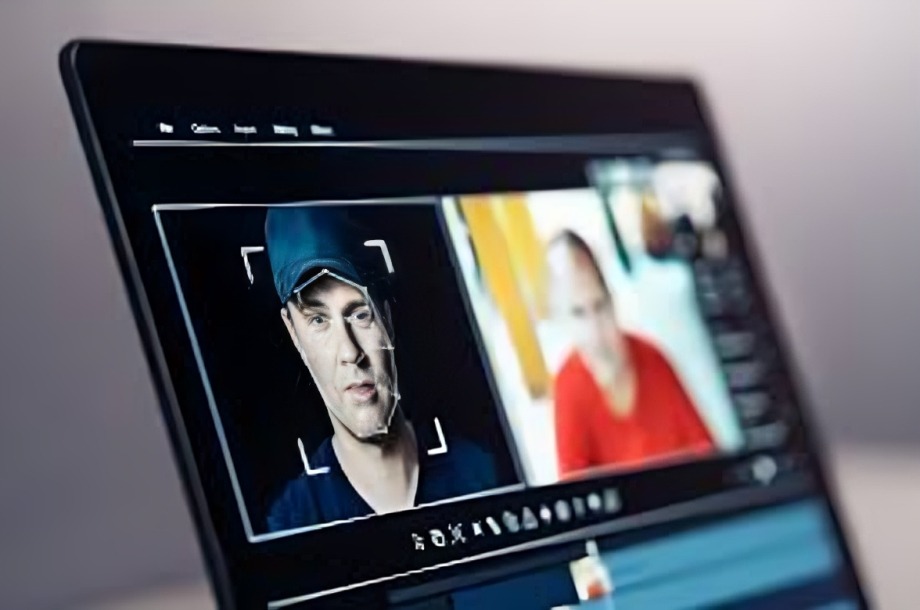
In a world where AI-generated videos are getting increasingly realistic, spotting what’s real and what’s fake has become harder than ever. Deepfakes, synthetic voices, and manipulated footage are everywhere—from social media to news clips. But after spending time researching, testing tools, and learning the subtle signs, I’ve built a personal system for identifying fake AI videos quickly and accurately.
Here’s how I always spot fake AI video—and the tools I use to do it.
Deepware Scanner: My Go-To Deep Fake Detector
Deepware Scanner is a free tool that scans video files for signs of deep fake manipulation. I use it when I come across a suspicious video, especially those showing political figures, celebrities, or seemingly impossible events.
Why it works:
- It analyzes facial movements, blinking patterns, and micro-expressions.
- It flags inconsistencies in skin texture, lighting, or unnatural transitions.
Pro Tip: Upload the video directly from your device or use the app to scan clips shared on social media.
InVID Verification Plugin: The Fact-Checker’s Secret Weapon
InVID is a browser plugin designed for journalists, but I use it to break down videos and analyze them frame-by-frame. It’s perfect for checking viral content or “breaking news” clips that feel off.
Features I love:
- Keyframe analysis to isolate stills for reverse image search.
- Metadata extraction to find out when and where the video was taken.
- Social media search to see where else the video has appeared.
Why it’s useful: Many AI fakes reuse backgrounds or faces from other sources, and InVID helps uncover the origins.
Hive Moderation AI Detector: Quick Web Check
Hive is a web-based tool that lets you upload an image or video snippet to determine if it’s AI-generated. It gives you a “fake probability score,” which is helpful when you’re unsure.
How I use it:
- Clip short segments from videos (especially close-ups).
- Upload them to Hive for analysis.
- Compare the result with my own gut instinct and other tools.
Why it matters: Even slick deep fakes tend to trip up on mouth movements, lip-syncing, or unrealistic blinking—Hive helps highlight those.
Observational Tricks: The Human Touch Still Works
Even with all the tech tools, my eyes and instincts still matter. Here are signs I watch for:
- Eyes that don’t blink normally or blink too often.
- Lips that don’t sync with the voice, especially inside angles.
- Eerie smoothness in skin, like it’s been over-airbrushed.
- Emotion mismatch—a character may be yelling angrily, but their face shows no emotion.
- Lighting inconsistencies—shadows that fall in weird directions or change between frames.
It’s subtle, but once you know what to look for, you can’t unsee it.
Diptrace & Sensity AI: For More Serious Investigations
If I want to dig deeper, especially for professional projects, I turn to platforms like Sensity AI (formerly Diptrace). These are enterprise-grade tools that offer comprehensive analysis of video and audio deep fakes.
Best for:
- Investigating threats or fake news.
- Verifying content in journalism or academic research.
- Working with brands to detect fake endorsements or influencer content.
They’re more advanced but worth exploring if you’re serious about media forensics.
Conclusion
As AI technology evolves, so does the sophistication of fake videos. But staying sharp isn’t about being paranoid—it’s about being prepared. With the right tools and a trained eye, you can protect yourself from misinformation, scams, and digital manipulation.
So next time a shocking video hits your feed or someone forwards a “too wild to be true” clip—pause, inspect, and scan. Trust your instincts, and let the tools do the rest.
Because in the age of synthetic media, being a little skeptical might just be your smartest superpower.
