
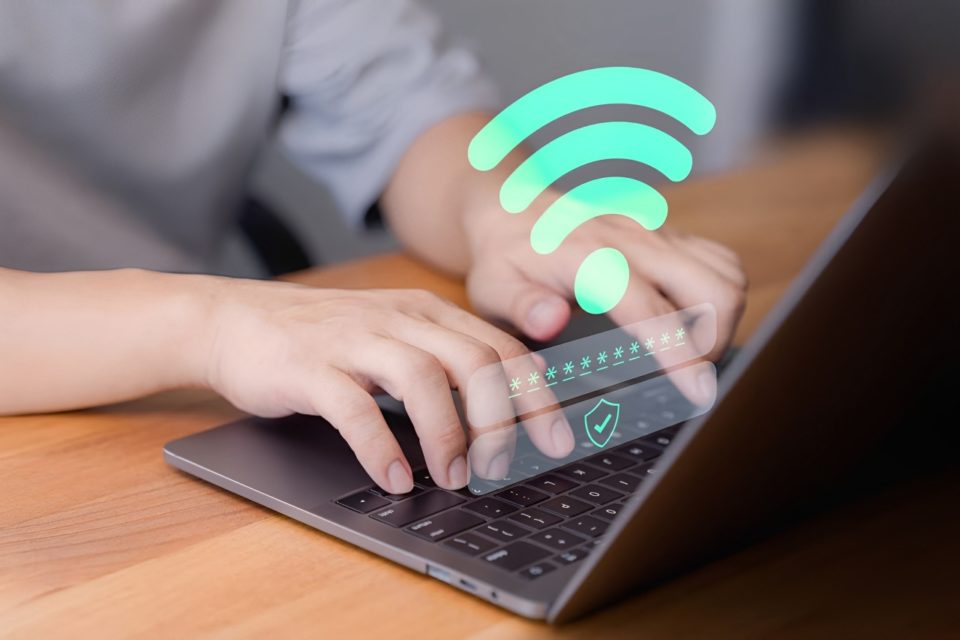
In an age where cybersecurity threats are more prevalent than ever, protecting your home network should be a top priority. With the increasing number of smart devices, IoT gadgets, and personal computers connected to our Wi-Fi networks, the risk of cyberattacks has grown exponentially.
One of the most effective ways to enhance home network security is through network segmentation. By dividing my home network into separate zones, I can isolate vulnerable devices, limit the impact of security breaches, and safeguard sensitive data. In this article, I’ll walk you through how I segment my home network, the tools I use, and how this strategy helps maximize security.
Understanding Network Segmentation
Network segmentation is the process of dividing a single network into multiple isolated segments to improve security and performance. Instead of allowing all devices to communicate freely, segmentation restricts access between them, preventing potential malware or unauthorized access from spreading.
Benefits of Network Segmentation:
Enhanced Security: Prevents attackers from gaining access to all devices if one is compromised.
Better Performance: Reduces network congestion by limiting unnecessary traffic between devices.
Access Control: Ensures that only trusted devices can connect to specific parts of the network.
My Home Network Segmentation Strategy
I divide my home network into four primary segments, each serving a distinct purpose:
Main Network (Trusted Devices Only)
This segment is reserved for trusted personal devices such as:
Personal computers and laptops
Smartphones and tablets
Smart TVs and gaming consoles
Since this network houses my most sensitive data, I enforce strict firewall rules, strong passwords, and WPA3 encryption to prevent unauthorized access.
IoT and Smart Devices Network (Untrusted Devices)
IoT (Internet of Things) devices are known to have weaker security and are often the target of cyberattacks. To minimize risks, I keep all IoT devices on a separate VLAN (Virtual Local Area Network), preventing them from accessing my personal data. Devices in this network include:
Smart speakers (Amazon Echo, Google Home)
Smart thermostats, light bulbs, and security cameras
Smart plugs and doorbells
I also restrict outbound internet access for certain IoT devices that do not require frequent updates or remote control.
Guest Network (Visitors & Temporary Devices)
A guest network is crucial to keep visitors from accessing my private devices. When friends or family visit, they connect to this isolated network that only provides internet access without exposing my personal devices.
To enhance security, I apply these settings:
Device isolation: Prevents guests from communicating with each other on the same network.
Bandwidth limits: Avoids guests consuming excessive internet bandwidth.
Auto-expiration: Ensures guest access is revoked after a certain period.
Work Network (Remote Work & VPN Access)
Since I often work from home, I maintain a dedicated network segment for work-related activities. This segment includes:
A separate VLAN for my work laptop and devices
A VPN connection to securely access company resources
Firewalls and content filtering to block access to non-work-related websites
This segmentation ensures that work data stays protected from other home devices and potential threats.
Tools and Hardware I Use for Network Segmentation
To achieve effective segmentation, I rely on a combination of network hardware and software tools:
VLAN Configuration on My Router
A VLAN (Virtual Local Area Network) allows me to create separate networks within the same router. Using my router’s VLAN settings, I assign specific devices to different segments while preventing communication between them.
Firewall Rules & Access Control
I implement firewall rules to restrict communication between network segments. For example:
Block IoT devices from communicating with personal devices.
Prevent guest users from accessing my work network.
Limit remote access to critical systems.
Strong Wi-Fi Security (WPA3 Encryption & Separate SSIDs)
I create separate SSIDs (Wi-Fi networks) for each segment:
“Home-Secure” – For personal and work devices (WPA3 encrypted)
“Home-IoT” – For smart home gadgets (Restricted Access)
“Home-Guest” – For visitors (Internet only)
Using WPA3 encryption ensures that unauthorized users cannot easily crack Wi-Fi passwords.
Network Monitoring & Intrusion Detection
I use network monitoring tools to detect unusual activity, such as:
Pi-hole – Blocks unwanted ads and trackers at the DNS level.
pfSense Firewall – Monitors and filters suspicious network traffic.
UniFi Controller – Provides detailed insights into network performance.
Additional Security Measures
Aside from segmentation, I implement the following best practices to further strengthen my home network security:
Regular Firmware Updates
I ensure that my router, IoT devices, and software are always up to date to prevent security vulnerabilities.
Two-Factor Authentication (2FA) for Routers & Accounts
Enabling 2FA on router admin panels and cloud-based accounts prevents unauthorized access.
Disabling Unused Services & Ports
I disable:
WPS (Wi-Fi Protected Setup) – Known for security flaws.
UPnP (Universal Plug and Play) – Can expose devices to cyber threats.
Remote Access to Router – Prevents hackers from tampering with network settings.
Conclusion
In today’s digital world, cybersecurity is no longer optional—especially with the increasing number of connected devices in our homes. By implementing network segmentation, I have successfully minimized security risks, isolated vulnerable devices, and ensured better control over my home network.
While setting up network segmentation requires some initial effort, the long-term benefits far outweigh the challenges. Whether you’re protecting sensitive work data, securing IoT devices, or simply keeping your home network organized, segmenting your network is one of the best steps you can take toward a safer digital environment.
If you haven’t segmented your home network yet, now is the perfect time to start!
