
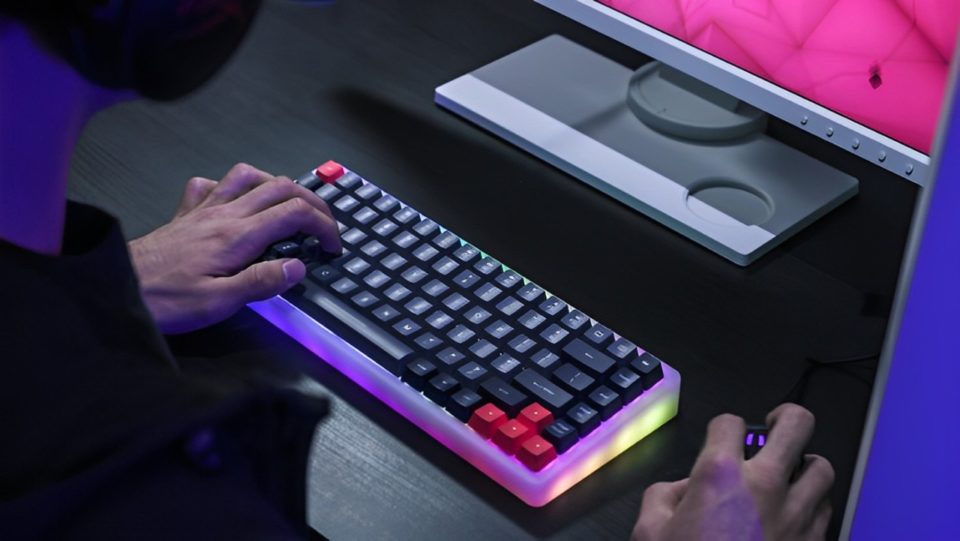
Mechanical keyboards are beloved by gamers for their tactile feel, precision, and durability. However, as much as they enhance gameplay, they can also lead to unexpected problems—such as getting kicked out of multiplayer games. If you’ve experienced sudden disconnections, anti-cheat warnings, or bans and wondered whether your keyboard might be to blame, you’re not alone. Here’s how your mechanical keyboard could trigger such issues and what you can do to avoid them.
How a Mechanical Keyboard Can Cause Problems in Games
Anti-Cheat Software Mistakes Macro Keys for Cheating
Many mechanical keyboards, especially those designed for gaming, come with programmable keys or macro functionality. These macros allow players to execute complex commands with a single keystroke—such as performing a combo move or automating repetitive tasks. While macros are helpful in certain contexts, anti-cheat systems view them as potential threats.
Anti-cheat software, used by games like Call of Duty or Valorant, is designed to detect unfair advantages. If it detects patterns of input that resemble automated play or actions too fast for human reaction, the software may flag your account. This can result in temporary kicks, warnings, or even bans.
Solution:
Avoid using macros in competitive or multiplayer games.
Check the game’s policy to see if macros are allowed.
Multiple Key Inputs Trigger False Flags
Mechanical keyboards are often equipped with N-key rollover (NKRO), which allows multiple keys to be pressed simultaneously without input lag or ghosting. While this feature is great for games that require complex key combinations, it can confuse anti-cheat systems. If the software detects numerous simultaneous key presses, it may interpret the input as unnatural or indicative of cheating software.
For example, pressing several keys at once during a fight or fast-paced sequence could resemble the behavior of an auto-clicker, leading to disconnections or warnings.
Solution:
Use software tools to switch the keyboard to 6-key rollover mode if your game supports it.
Avoid pressing unnecessary keys simultaneously, especially when reconnecting to a game.
Sound Complaints
Mechanical keyboards are loud—especially if you’re using clicky switches like Cherry MX Blues or Razer Greens. In multiplayer games with voice chat, the constant clicking of your keyboard can become a distraction to teammates. Some players may mute you, report your behavior, or ask for a vote kick if your noisy keyboard disrupts communication during matches.
This is particularly common in team-based games like CS
Overwatch, or League of Legends, where clear communication is essential. If your teammates can’t hear important callouts because your typing drowns them out, they’re more likely to take action against you.
Solution:
Use noise-canceling software like NVIDIA RTX Voice or Krisp to filter out background sounds.
Consider using quieter switch types such as Cherry MX Reds or Silent Reds.
Push-to-talk (PTT) settings in voice chat can prevent your keyboard from broadcasting sounds.
Firmware and Driver Conflicts with Anti-Cheat Systems
Many gaming keyboards come with proprietary software for customization, such as RGB lighting effects or macros. However, some anti-cheat tools can detect these programs as suspicious, especially if they run in the background during gameplay. Certain keyboard firmware updates may also cause conflicts with anti-cheat protocols, leading to unexpected kicks from games.
Solution:
Ensure your keyboard’s drivers and firmware are up-to-date.
Disable or close unnecessary background software before launching the game.
Use official drivers from the manufacturer to avoid compatibility issues.
How to Protect Yourself from Getting Kicked or Banned
Check Game Policies: Always read the rules of the games you play to see if specific keyboard functions (like macros) are banned.
Test Keyboard Settings: Before jumping into competitive matches, test your keyboard’s features in casual modes to avoid anti-cheat triggers.
Use Safe Profiles: Many gaming keyboards allow you to create profiles. Set up a profile without macros or complex bindings for competitive games.
Monitor Anti-Cheat Updates: Stay updated on any changes in the anti-cheat policies of the games you play
Conclusion
While mechanical keyboards are a favorite among gamers for their performance and customization options, they can also be a double-edged sword. From triggering anti-cheat flags to annoying teammates with noise, your keyboard could be the unexpected reason you get kicked from a game. By understanding the risks and making a few adjustments—like disabling macros and using quieter switches—you can avoid trouble and focus on what really matters: enjoying the game.
In the end, a bit of awareness goes a long way. A properly configured mechanical keyboard will enhance your gaming experience—without the headache of warnings, kicks, or bans.
