
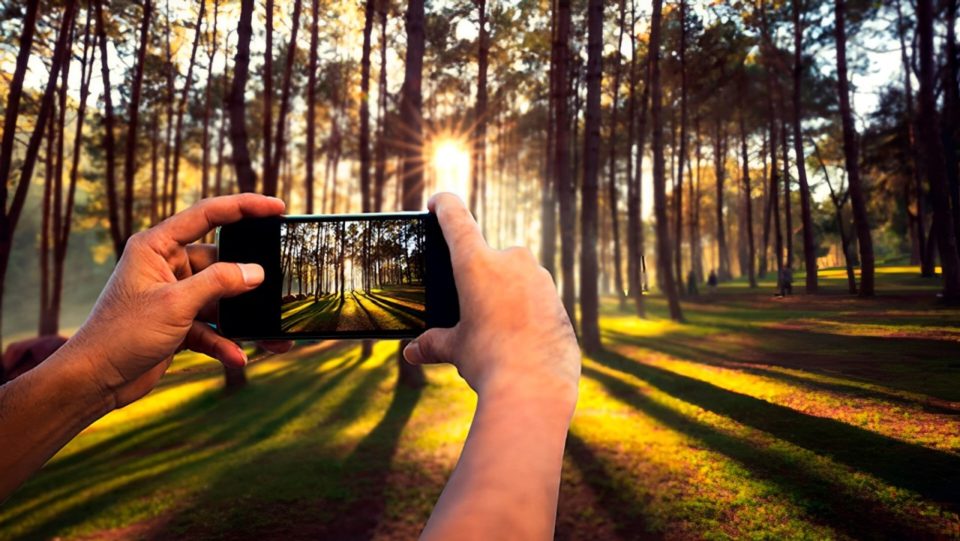
In the era of smartphones, everyone has a powerful camera in their pocket. With a little knowledge and practice, you can turn your smartphone into a tool for capturing stunning photos, whether you’re documenting everyday moments or exploring your creative side. This beginner’s guide to smartphone photography will help you get started and make the most out of your phone’s camera.
Understand Your Camera’s Features
Before diving into photography, take some time to explore your smartphone’s camera settings and features. Most modern smartphones come with multiple lenses (like wide-angle, telephoto, and macro), as well as various shooting modes (such as portrait, night mode, and panorama). Familiarize yourself with these features to understand what your camera can do.
HDR Mode: High Dynamic Range (HDR) is a feature that combines multiple exposures to create a balanced photo with better detail in both shadows and highlights. Use HDR in situations with tricky lighting, like sunsets or scenes with both bright and dark areas.
Gridlines: Turning on gridlines helps you follow the rule of thirds, a fundamental photography principle that suggests placing your subject off-center for a more balanced and interesting composition.
Focus on Composition
Composition is the arrangement of elements within your frame. Good composition can transform a simple snapshot into a striking image. Here are a few tips to improve your compositions:
Rule of Thirds: As mentioned, use gridlines to divide your frame into nine equal parts. Place your subject along these lines or at the intersections for a more dynamic composition.
Leading Lines: Look for natural lines in your environment (like roads, rivers, or fences) that guide the viewer’s eye towards your subject.
Symmetry and Patterns: Symmetry and repetitive patterns can create visually pleasing images. Seek out reflections in water, rows of trees, or other symmetrical scenes.
Framing: Use natural frames like doorways, windows, or branches to draw attention to your subject and add depth to your photo.
Master Lighting
Lighting is one of the most important aspects of photography. Good lighting can make your photos look professional, even when taken with a smartphone.
Natural Light: Take advantage of natural light whenever you can. The soft, golden light during the hours after sunrise or before sunset (often called the golden hour) is ideal for capturing warm, flattering images.
Avoid Flash: Smartphone flashes can be harsh and unflattering. Instead, try to find another light source or increase the exposure in low-light situations.
Backlighting: Try using backlighting by placing the light source behind your subject for a dramatic effect. This can create dramatic silhouettes or highlight textures.
Get Close and Personal
Smartphones are great for close-up photography. Whether you’re photographing a flower, food, or a small object, getting close to your subject can reveal incredible details.
Macro Mode: If your smartphone has a macro lens or mode, use it to capture intricate details up close. This is perfect for nature shots, like flowers or insects.
Avoid Digital Zoom: Instead of using digital zoom, which can degrade image quality, physically move closer to your subject or crop the photo later during editing.
Keep Steady
Blurry photos are often the result of camera shake. To avoid this, hold your phone with both hands and keep your elbows close to your body. You can also use objects like a wall or a table for support.
Use a Tripod: For even greater stability, especially in low light or when taking long exposures, consider investing in a small smartphone tripod.
Burst Mode: If you’re trying to capture action or a moving subject, use burst mode to take several shots in quick succession, increasing your chances of getting a sharp image.
Experiment with Angles
Don’t be afraid to get creative with angles. Instead of always shooting from eye level, try getting low to the ground, shooting from above, or tilting your phone for a different perspective.
High Angle: Shooting from above can make your subject appear smaller or more vulnerable, adding a different mood to your photo.
Low Angle: A low angle can make your subject appear more powerful or dominant, creating a dramatic effect.
Edit Your Photos
Editing is an essential part of the photography process. Even a small adjustment to brightness, contrast, or saturation can make a big difference. Many smartphones come with built-in editing tools, and there are numerous apps like Adobe Lightroom, Snapseed, and VSCO that offer more advanced features.
Crop and Straighten: If your composition isn’t perfect, use cropping tools to adjust the framing or straighten the horizon.
Adjust Lighting and Color: Play with exposure, contrast, highlights, and shadows to enhance your photo. You can also tweak saturation and warmth to make colors pop.
Apply Filters Sparingly: Filters can be fun, but use them carefully. Subtle filters or adjustments often look more professional than heavy-handed effects.
Practice, Practice, Practice
As with any skill, photography gets better with consistent practice. Don’t be afraid to experiment and take lots of photos. Review your shots to see what works and what doesn’t, and continue learning from your experiences.
Conclusion
Smartphone photography is accessible, fun, and full of creative potential. With these tips, you can start capturing better photos right away. Remember that the best camera is the one you have with you, so make the most of your smartphone and enjoy the process of exploring and documenting the world around you.
