
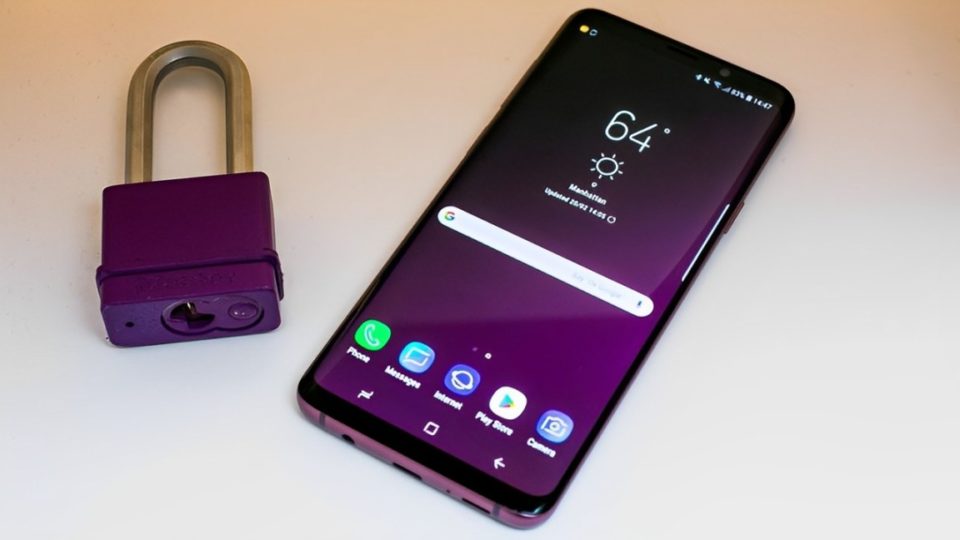
Samsung devices are renowned for their innovative features, and a significant part of their appeal lies in the diverse range of built-in apps that come pre-installed. While some may view these apps as unnecessary, I’ve discovered several that have become integral to my daily routine. They enhance productivity, promote better habits, and simplify life in unexpected ways. Here’s an in-depth look at six built-in Samsung apps that I genuinely use and appreciate.
Samsung Notes: Your Digital Journal and Organizer
Samsung Notes is more than a basic note-taking app—it’s a versatile tool for capturing thoughts, tasks, and creative ideas. Whether I need to write a quick grocery list, sketch an idea, or annotate a PDF document, Samsung Notes has me covered. Its intuitive interface allows seamless integration of text, images, and voice recordings, making it ideal for both personal and professional use.
For students or professionals who deal with presentations and documents, its ability to annotate PDFs is a game-changer. Plus, the app syncs across Samsung devices, ensuring that my notes are accessible wherever I go.
Samsung Health: A Comprehensive Health Companion
Samsung Health transforms your smartphone into a personal wellness tracker. It monitors your daily steps, heart rate, and sleep patterns, while also helping you track calorie intake and water consumption. One of its standout features is the ability to set fitness goals and participate in challenges that keep me motivated.
The app is especially powerful when paired with wearables like the Galaxy Watch, which provides real-time health stats. From guided meditation sessions to workout plans, Samsung Health ensures that maintaining a healthy lifestyle is achievable, even with a busy schedule.
Samsung Internet: Privacy-Focused Browsing
While third-party browsers like Chrome and Firefox dominate the market, Samsung Internet has become my browser of choice for its smooth performance and privacy-oriented features. The built-in ad blocker significantly enhances the browsing experience, while the dark mode reduces eye strain during nighttime use.
Samsung Internet also supports seamless synchronization with other Samsung devices, allowing me to switch between devices without losing tabs or bookmarks. Its commitment to privacy, coupled with speed and reliability, makes it a valuable tool for daily browsing.
Gallery: More Than Just a Photo Viewer
The Samsung Gallery app offers much more than the standard photo album functionality. It’s my go-to app for organizing, editing, and even creating content from my media files. Its intelligent search feature allows me to locate photos based on keywords like location, events, or people, saving me time and effort.
What sets Gallery apart is its editing capabilities. From filters to cropping tools, it provides everything I need to touch up photos without the need for third-party apps. Additionally, the ability to create slideshows, collages, and short videos adds a creative edge to my photo collection.
SmartThings: The Ultimate Smart Home Controller
SmartThings is Samsung’s answer to the growing smart home trend, and it excels at managing connected devices. I use it to control smart lights, TVs, security cameras, and even household appliances. The app’s intuitive interface makes it easy to create custom automations, like setting lights to turn on at sunset or adjusting the thermostat before I arrive home.
SmartThings also integrates seamlessly with third-party smart devices, making it a versatile hub for managing various brands under one platform. Its convenience and reliability have made it an indispensable part of my smart home ecosystem.
Bixby Routines: Simplifying Daily Tasks
Bixby Routines is a lesser-known feature that has revolutionized how I interact with my device. This automation tool lets me create routines based on triggers like location, time, or connected devices. For instance, my phone automatically switches to “Do Not Disturb” mode at bedtime and activates Bluetooth when I get in my car.
The app also helps me conserve battery life by adjusting settings based on my usage patterns. Its ability to anticipate my needs and make adjustments without manual input adds a layer of convenience that’s hard to live without.
Why These Apps Stand Out
These six apps have earned a permanent place on my Samsung device because they blend functionality with ease of use. They simplify complex tasks, enhance productivity, and cater to both personal and professional needs. Unlike some pre-installed apps that go unused, these deliver real value, making my Samsung device more than just a smartphone—it’s a comprehensive tool for life management.
Conclusion
Samsung’s built-in apps are often overshadowed by third-party alternatives, but they deserve a closer look. From the creative possibilities of Samsung Notes to the health insights of Samsung Health, these apps provide practical solutions for everyday challenges.
By exploring these pre-installed gems, you might find that your device has more to offer than you realized. So, take some time to dive into your Samsung apps—you might uncover tools that enhance your life in ways you never expected.
