
We’ve all done it—connected to a free public Wi-Fi network in a coffee shop, airport, or hotel lobby just to check email, send a message, or stream a quick video. It feels harmless. Convenient. But public Wi-Fi is one of the riskiest ways to access the internet.
Hackers love unsecured networks. They can intercept your traffic, steal your login credentials, spy on your messages, and even install malware—without you realizing it. But don’t worry. You don’t have to risk your data just to stay connected.
Here are much safer alternatives to public Wi-Fi that actually protect your privacy, security, and peace of mind—without sacrificing convenience.
Use Your Smartphone as a Personal Hotspot
Best for: On-the-go internet with no third-party interference
Your smartphone can act as a private Wi-Fi router using your mobile data plan. It’s far more secure than connecting to a random public network, especially if you secure it with a strong password and only connect devices you trust.
How: Go to your phone’s settings and enable “Mobile Hotspot” or “Tethering.”
Encrypted connection
No shared access
Great for laptops or tablets in the field
Watch your data usage—streaming can eat it up fast
Use a VPN (Virtual Private Network)
Best for: Secure browsing when you have to use public Wi-Fi
A VPN encrypts your internet connection, routing it through a secure server even if you’re on an unsecured network. It hides your real IP address and protects your data from snoopers, even on sketchy café Wi-Fi.
Pro tip: Choose a trusted, no-logs VPN like NordVPN, ExpressVPN, or ProtonVPN.
Data encryption
Access to geo-blocked content
Extra layer of security
Some VPNs can slow your connection slightly
Invest in a Mobile Hotspot Device (MiFi)
Best for: Frequent travelers or remote workers
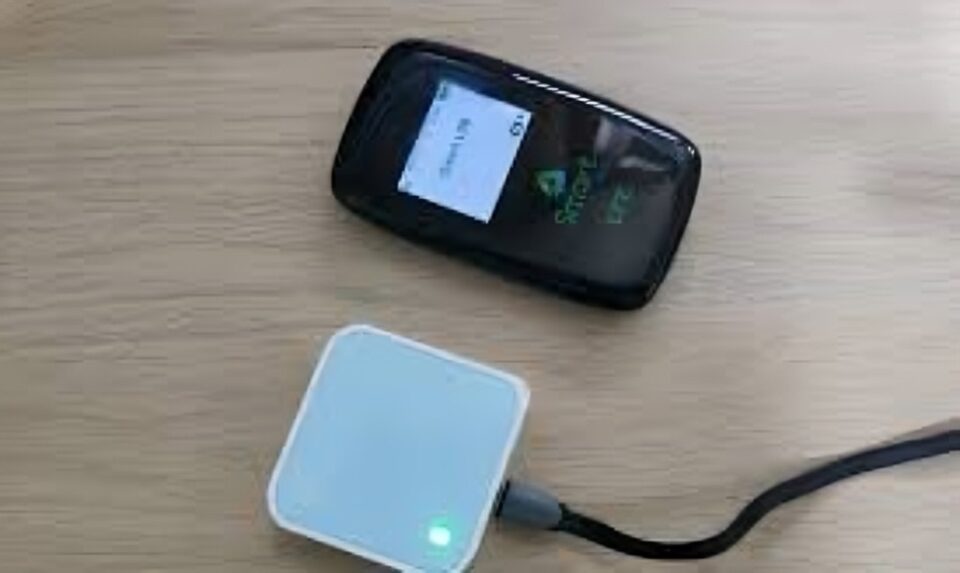
A dedicated mobile hotspot (also called MiFi) uses cellular data to provide a secure, portable internet connection. It’s like having your own personal router in your pocket—with better battery life and stronger antennas than a phone hotspot.
Strong, secure connection
Multiple device support
No need to rely on phone battery
Monthly data plans can be pricey
Use an Offline Mode or Download Content in Advance
Best for: Airports, flights, or low-connectivity areas
If you’re going to be somewhere with only public Wi-Fi, prepare in advance. Download music, maps, emails, and documents before you go. Many apps now have offline modes (Google Docs, Spotify, Netflix, etc.) that work great without needing to connect at all.
Zero risk of data theft
Saves battery and data
Limited to pre-downloaded content
Enable Secure Browsing (HTTPS Only)
Best for: Safer web use in emergencies
While it’s not a total fix, ensuring all your websites load over HTTPS (encrypted web protocol) gives you a basic layer of safety. Use browser extensions like HTTPS Everywhere or enable secure DNS settings in Chrome or Firefox.
Remember: HTTPS protects in-transit data—but it’s still best to avoid logging into sensitive accounts on public Wi-Fi.
Free and easy browser-based step
Encrypts site-to-user communication
Not foolproof on open networks
Use Your Laptop’s Built-in LTE (If Available)
Best for: Professionals who need serious mobile access
Some modern laptops and tablets come with built-in SIM cards and LTE antennas, allowing you to connect to the internet without relying on Wi-Fi at all.
Fast, private, secure
Bypasses sketchy networks entirely
Only available on certain models and requires a data plan
What to Avoid on Public Wi-Fi (If You Must Use It)
Even with all the above alternatives, sometimes you have no choice. If you must connect to public Wi-Fi, avoid doing the following without a VPN:
Logging into banking or financial apps
Shopping online with your credit card
Entering passwords or accessing private documents
Using the same passwords across multiple sites
Conclusion
Public Wi-Fi might seem harmless, but it’s a playground for cybercriminals. Luckily, today’s tech gives you better options. Whether it’s a hotspot, VPN, or just preparing ahead, these safer alternatives help you stay connected—without getting compromised.
So next time you’re tempted to hit “Connect” at your local coffee shop, ask yourself:
Is it worth the risk when better, safer tools are just a tap away?Want a checklist version of this article or a quick-start guide for setting up a secure hotspot? Let me know!
