
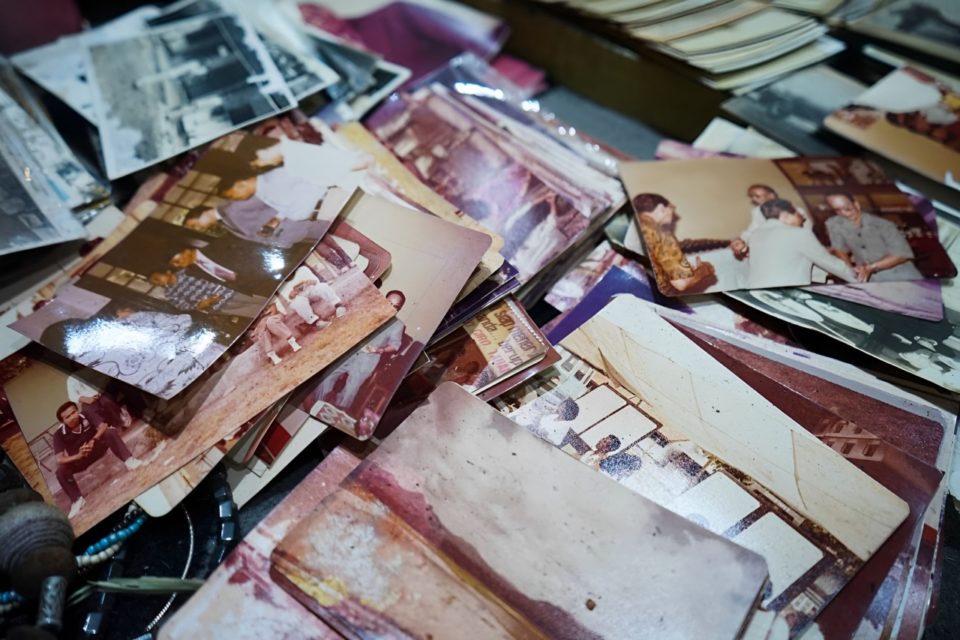
Preserving old photos is essential for keeping memories alive and protecting them from deterioration over time. Whether you want to create digital backups, share family history with loved ones, or restore faded images, scanning and digitizing your old photographs is the best way to ensure they remain accessible for generations to come. Here are the three best ways to scan and digitize old photos efficiently and with high quality.
Use a High-Quality Flatbed Scanner
A flatbed scanner is one of the best tools for digitizing old photos, offering high resolution and color accuracy. This method is ideal for those who prioritize image quality and want to archive their photos in the best possible condition.
How to Use a Flatbed Scanner:
Choose a High-Resolution Setting: Scan photos at a resolution of at least 300-600 DPI to ensure clear, detailed images.
Clean the Scanner Bed and Photos: Use a microfiber cloth to remove dust and smudges from both the scanner glass and the photo.
Position Photos Properly: Lay the photo flat on the scanner bed, ensuring it’s straight and fully visible.
Adjust Color and Contrast: Most scanning software allows for basic color correction and contrast adjustments. Use these features to enhance faded images.
Save in a High-Quality Format: Save images as TIFF or PNG for archival purposes, or JPEG for easy sharing.
Pros:
✔ High-quality images with excellent resolution and color accuracy.
✔ Great for restoring and preserving fragile photos.
✔ Allows for editing and enhancement with professional software.
Cons:
✖ Takes more time compared to other methods.
✖ Requires a dedicated scanner, which can be expensive.
Use a Photo-Scanning App
If you don’t have access to a flatbed scanner, photo-scanning apps are a convenient and affordable alternative. Apps like Google PhotoScan, Adobe Scan, and Photomyne allow you to scan and digitize photos directly from your smartphone.
How to Use a Photo-Scanning App:
Download and Install a Reputable App: Google PhotoScan is a popular free option, while Photomyne offers additional features for a fee.
Find Good Lighting: Natural light or indirect lighting works best to avoid glare and shadows.
Follow the App’s Guidelines: Most apps guide you through positioning the photo and capturing multiple angles to remove glare and enhance details.
Edit and Save Your Photos: Adjust brightness, contrast, and sharpness directly in the app before saving.
Pros:
✔ Quick and easy to use without extra equipment.
✔ Portable—scan photos anywhere, anytime.
✔ Some apps offer automatic cropping and enhancement features.
Cons:
✖ Lower image quality compared to flatbed scanners.
✖ May struggle with glare and uneven lighting.
✖ Some features may require a paid subscription.
Use a Professional Photo-Scanning Service
For those with a large collection of old photos or who prefer professional-quality results, using a photo-scanning service is the best option. Companies like ScanMyPhotos, Legacybox, and DigMyPics specialize in digitizing old photographs with high accuracy and restoration capabilities.
How to Use a Professional Scanning Service:
Choose a Trusted Service: Research and compare services based on pricing, reviews, and turnaround time.
Sort and Label Your Photos: Organize your photos in the order you want them scanned, and label any special requests (e.g., color correction, restoration).
Package and Ship Carefully: If mailing your photos, use a secure package to protect them during transit.
Receive Digital Copies: Most services offer options for receiving digital files via USB, cloud storage, or DVD.
Pros:
✔ Professional-grade scanning with color correction and restoration.
✔ Saves time, especially for large collections.
✔ Ensures high-quality preservation for future generations.
Cons:
✖ Can be expensive, especially for large batches.
✖ Requires shipping photos, which carries a small risk of loss or damage.
✖ Turnaround time varies and can take weeks.
Conclusion
Digitizing old photos ensures they remain safe and shareable for years to come. For the best image quality, a flatbed scanner is ideal. If convenience is your priority, a smartphone photo-scanning app works well for quick scans. However, if you have a large collection and want the best results with minimal effort, a professional photo-scanning service is the way to go. No matter which method you choose, taking the time to digitize your old photos will help preserve your precious memories for generations.
