
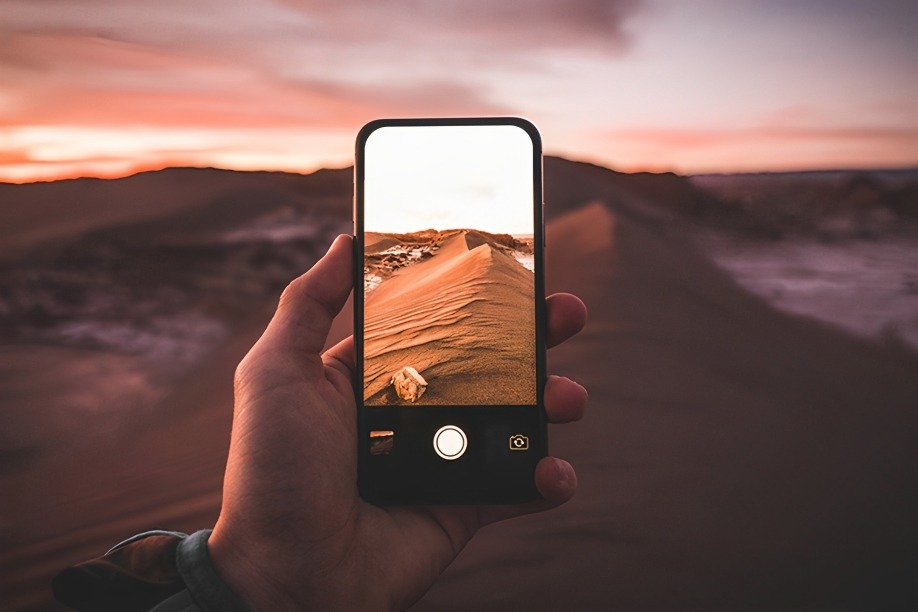
Smartphone cameras have come a long way. With just a tap, you can capture moments in stunning clarity—from sunrise selfies to moody street shots. But great photos don’t end with the shutter click. The secret to truly scroll-stopping images? Post-processing. And if you’re not using Adobe Lightroom Mobile, you’re seriously missing out.
Whether you’re an Instagram hobbyist, a mobile photography enthusiast, or someone who just wants their vacation shots to look like a pro took them—this is the Adobe app you need to know about.
What Is Adobe Lightroom Mobile?
Adobe Lightroom Mobile is the smartphone-friendly version of Adobe’s powerful photo editing software used by professionals worldwide. Available on both iOS and Android, it’s packed with features that allow you to transform ordinary photos into stunning visuals—all from your phone.
And the best part? The basic version is completely free.
Why It’s a Game-Changer for Smartphone Photography
Here’s what makes Lightroom Mobile stand out:
Powerful Yet Simple Editing Tools
With just a few sliders, you can adjust:
- Exposure
- Contrast
- Highlights & Shadows
- White balance
- Clarity and texture
Even if you’ve never edited a photo before, Lightroom’s intuitive design makes it incredibly easy to improve your images without overwhelming you.
One-Tap Presets for Instant Magic
Lightroom includes built-in presets—professional filters that instantly change the mood and tone of your image. Whether you want a bright beachy look, a moody film vibe, or punchy urban contrast, there’s a preset for that.
Plus, you can create your own presets to keep your feed looking consistent.
Selective Editing and Healing Brush (Premium feature)
Want to brighten just your face and not the whole photo? Blur the background without affecting the subject? The selective tools let you target specific areas of your photo. The healing brush helps remove unwanted distractions like pimples, trash on the street, or that one photobomber in the back.
RAW Photo Editing
If your phone supports RAW images (like newer iPhones or Androids), Lightroom lets you fully harness the detail and depth those files offer. You get more control and better results—especially in challenging lighting.
Cloud Sync Across Devices
Edit a photo on your phone and finish it later on your tablet or computer. Lightroom syncs across devices so your projects are always with you. This is perfect for content creators who like to work on the go.
Built-In Camera for Better Control
The Lightroom camera within the app lets you shoot with more control than your default camera app. You can manually adjust ISO, shutter speed, white balance, and focus—bringing DSLR-like control to your pocket.
Who Should Use Lightroom Mobile?
- Instagram creators and influencers
- Travel bloggers and photojournalists
- Small business owners looking to upgrade product shots
- Anyone who wants their phone pics to look professional
Conclusion
You don’t need a DSLR or a paid editing team to make your photos pop. With Adobe Lightroom Mobile, every smartphone becomes a professional editing studio. It’s free to start, easy to use, and powerful enough to level up every photo you take.
If you care about your visuals—even just a little—this app should be on your home screen.
Would you like a guide on how to get started with Lightroom Mobile or a comparison with other popular editing apps like VSCO or Snapseed?
