
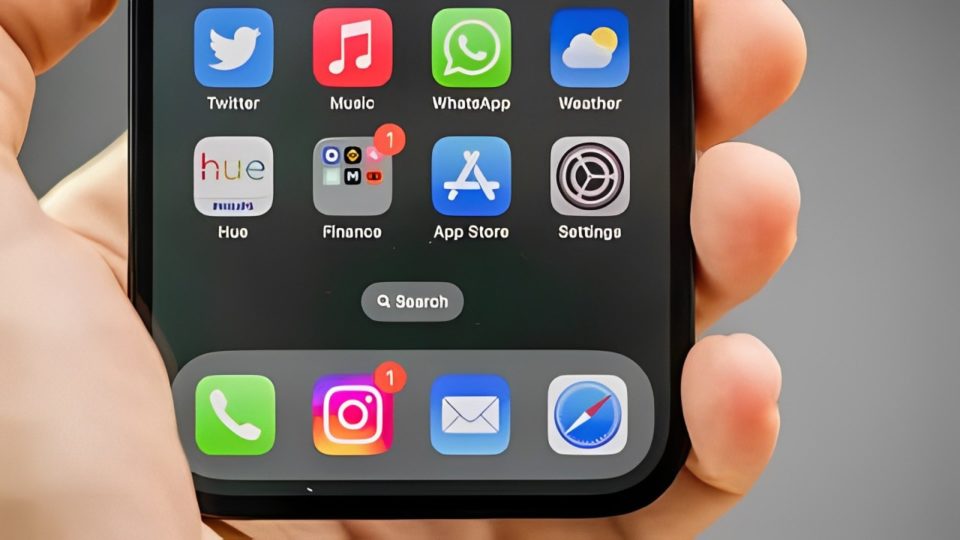
In the age of digital minimalism and storage management, it’s tempting to clear out apps that seem to be taking up space on your phone without serving any immediate purpose. However, some apps are worth keeping, even if you don’t use them regularly. These apps often come pre-installed on your device or offer functionality that you might not need every day, but can be invaluable when the time comes. Here’s why you shouldn’t delete these apps, even if they’re collecting digital dust.
Find My (iPhone, iPad, Mac)
“Find My” is one of those apps you hope you never have to use, but when you do, it’s a lifesaver. This app helps you locate lost or stolen Apple devices and can even help you find friends or family members who’ve shared their location with you. Even if you think you’re careful with your belongings, accidents happen, and having “Find My” on hand can save you from a major headache.
Google Maps
Google Maps is more than just a navigation tool. It offers real-time traffic updates, local business information, and even offline maps for areas with spotty internet coverage. Even if you don’t use it every day, Google Maps is an essential tool for travel, exploring new places, or simply finding the fastest route during rush hour. Deleting it might free up some space, but you’d lose out on one of the most reliable navigation apps available.
Wallet (iPhone)
The Wallet app might not seem necessary if you don’t frequently use Apple Pay or store digital tickets, but it’s worth keeping around. In addition to securely storing your payment cards, Wallet can hold boarding passes, movie tickets, loyalty cards, and more. It’s an all-in-one organizer for digital documents, and you never know when you might need it, especially when traveling or attending events.
Health (iPhone)
The Health app collects data from your fitness trackers, Apple Watch, and other health-related apps. Even if you don’t actively track your health data, the app is a valuable tool for keeping an eye on your general well-being. It can track steps, monitor heart rate, and even log sleep patterns. Plus, in case of an emergency, the Health app can provide vital information to first responders if you’ve filled out the Medical ID section.
Files (iPhone, iPad)
The Files app is an underrated gem that makes managing documents, photos, and other files across different apps and cloud services much easier. It’s particularly useful for anyone who works with multiple file types or needs to organize digital content. Even if you’re not using it daily, having a central place to access and manage your files can save you time and frustration down the line.
Weather
Many people rely on third-party weather apps, but the built-in Weather app is often more reliable and less cluttered with ads. It’s straightforward, provides accurate forecasts, and integrates seamlessly with your device’s notifications. It’s also optimized to use less battery and data compared to some third-party alternatives. Keeping it installed ensures you always have quick access to weather updates without the extra bloat.
Notes
The Notes app is more powerful than it appears. Beyond simple text notes, it allows you to create to-do lists, scan documents, draw sketches, and even lock sensitive notes with a password. It syncs across all your Apple devices, making it a convenient tool for jotting down ideas or keeping important information at your fingertips. Whether for work or personal use, Notes is an app that can be surprisingly useful when you need it.
Voice Memos
Voice Memos is another app that you might not use regularly, but it’s incredibly handy for recording meetings, lectures, or personal reminders. It’s especially useful for journalists, students, or anyone who needs to capture audio on the go. The app syncs with iCloud, so your recordings are accessible across all your Apple devices, and it’s simple to use without the need for additional hardware or software.
Clock
The Clock app is more than just an alarm clock. It offers multiple alarms, a world clock, a timer, and a stopwatch—all in one place. The app is perfect for managing different time zones, timing your workouts, or setting reminders throughout the day. It’s a small but essential tool that helps keep your schedule on track.
App Store
It might sound obvious, but some people consider removing the App Store app in an attempt to curb unnecessary downloads. However, the App Store is your gateway to updates, new apps, and services that enhance your device’s functionality. Even if you’re practicing restraint when it comes to downloading new apps, keeping the App Store ensures you can access new features, security updates, and essential tools whenever you need them.
Conclusion
While it’s tempting to delete unused apps to free up space or declutter your home screen, some apps provide essential services that might not be immediately obvious. From safeguarding your device to organizing your life, these apps play a crucial role in enhancing your overall experience, even if they’re not in constant use. So before you hit that delete button, consider the long-term value these apps offer—you might just find that they’re worth keeping around.
