
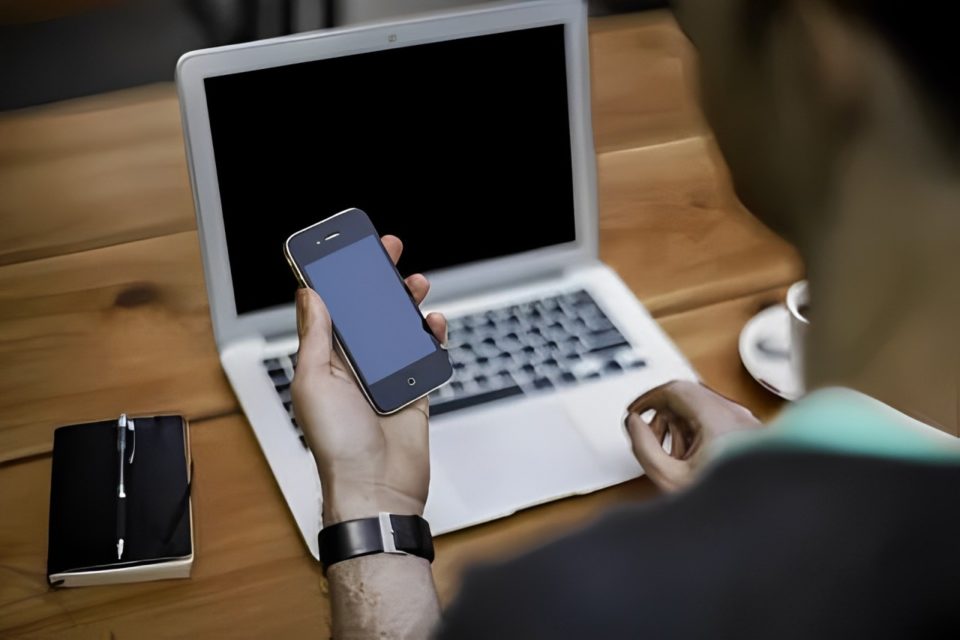
Many of us notice that our smartphones and computers start feeling sluggish after a year or two of use. This slowdown can be frustrating, especially since these devices once ran smoothly. Here are the main reasons behind this phenomenon, and some strategies to keep your tech running efficiently.
System Updates and Software Bloat
Operating systems like iOS, Android, Windows, and macOS frequently update to offer new features, improved security, and better performance. However, these updates are often designed with newer hardware in mind, meaning older devices may struggle to keep up. Additionally, as apps update, they become more resource-intensive, consuming more memory, processing power, and storage space. This increase in resource demands can make older hardware feel slower.
Tip: If possible, selectively disable or avoid installing non-essential updates on older devices, or uninstall apps you don’t use often.
Increasing Background Processes
Over time, both smartphones and computers accumulate apps and programs running in the background. These apps use memory and CPU power, which can slow down the system. Background processes include everything from notification services to apps that update regularly, like email, social media, and cloud storage.
Tip: Regularly check for and disable background apps or services that you don’t need. On phones, you can limit background activity in app settings.
Storage Overload and Fragmentation
As you use your device, files, photos, apps, and other data build up, filling storage space. Storage that is nearly full can slow down devices because it reduces available memory for tasks and can lead to data fragmentation (where parts of files are scattered across the storage drive). Fragmentation is especially common on traditional hard drives, slowing down computers as they access scattered data.
Tip: Clear out unnecessary files, apps, and media regularly. Many devices also have built-in cleanup tools to optimize storage and manage fragmentation.
Aging Hardware and Battery Degradation
Modern devices are equipped with advanced processors designed for speed and efficiency. These processors handle more tasks simultaneously, manage complex applications, and deliver fast performance.However, hardware components degrade over time, affecting performance. Batteries, especially lithium-ion batteries, lose their charge capacity after a certain number of charge cycles. As a battery weakens, your device may throttle (slow down) performance to conserve power.
Tip: For computers, consider upgrading components like memory or storage. For phones, replacing the battery may extend its useful life.
Security Software and Background Scanning
Antivirus programs, malware detection, and security software frequently run scans and monitor processes, consuming CPU power and memory. Although necessary for protecting your device, these security processes can affect performance, especially on older devices.
Tip: Adjust security software settings to avoid constant scans and choose lighter antivirus solutions when possible.
Conclusion
While it’s natural for devices to slow down over time due to software and hardware limitations, there are steps you can take to extend their life and maintain performance. Regular maintenance, such as clearing storage, managing background processes, and selectively updating software, can help keep your devices running smoothly for longer. By understanding the causes behind this slowdown, you can make informed decisions on how to optimize your tech usage and when it might be time to consider upgrading.
