
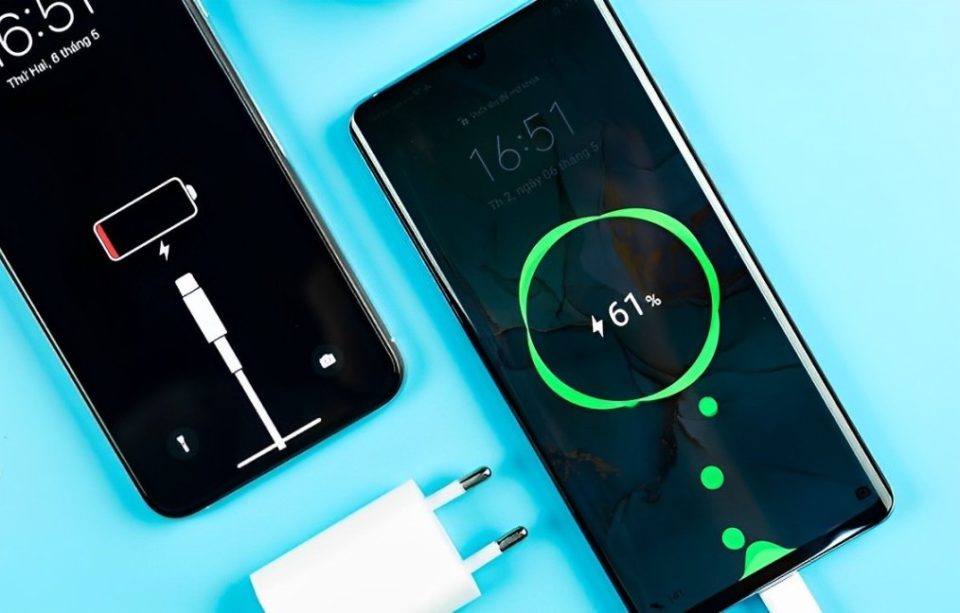
In today’s fast-paced digital world, smartphones have become essential tools for communication, navigation, and entertainment. However, one of the most common complaints among users is the rapid draining of phone batteries. If you’ve ever found yourself frantically searching for a charger halfway through the day, you’re not alone. Let’s explore nine reasons why your phone battery might be draining faster than expected, along with tips to mitigate the issue.
Background App Activity
Many apps run in the background, constantly updating and refreshing data. This can lead to significant battery drain. Social media apps, email clients, and navigation tools are notorious for this. To reduce battery usage, regularly check which apps are active in the background and close those that you don’t need.
High Screen Brightness
The screen of your phone is one of the biggest drains on battery power. Keeping your brightness set to maximum can quickly deplete your battery. Instead, adjust your brightness to a lower level or enable adaptive brightness, which automatically adjusts based on your surroundings.
Location Services
Location services use GPS and network data to pinpoint your device’s location, consuming a lot of battery. Many apps request access to your location, even when they don’t need it. Consider disabling location services for apps that don’t require it or set them to use your location only while in use.
Outdated Software
Running outdated software can lead to inefficient battery performance. Updates often include optimizations and fixes that can improve battery life. Regularly check for updates for your operating system and apps to ensure you’re running the latest versions.
Push Notifications
Constant notifications can keep your phone awake and alert, causing battery drain. If you receive numerous notifications from various apps, consider turning off push notifications for non-essential apps or adjusting the settings to receive notifications less frequently.
Live Wallpapers and Widgets
While live wallpapers and widgets can add a personal touch to your home screen, they can also be battery killers. Static wallpapers and reducing the number of active widgets can help conserve battery life.
Poor Signal Strength
When your phone struggles to find a signal, it uses more power to stay connected. If you’re in an area with poor reception, consider switching to airplane mode until you can find a better signal. This will stop your phone from constantly looking for a network connection.
Excessive Use of Streaming Services
Streaming music or videos can rapidly drain your battery, especially if you’re using cellular data. If you often stream content on the go, consider downloading your favorite shows or playlists for offline use to save battery life.
Battery Age and Health
As your phone ages, its battery may naturally degrade, leading to reduced capacity and quicker drainage. If your phone is several years old, it may be time to consider replacing the battery or upgrading to a new device. Review your battery health in the settings to track its performance.
Conclusion
Understanding the reasons behind your phone’s rapid battery drainage is crucial for maintaining its longevity and performance. By making simple adjustments to your settings and usage habits, you can significantly extend your battery life. With a little mindfulness and proactive management, you can enjoy your smartphone without the constant worry of finding a charger.
